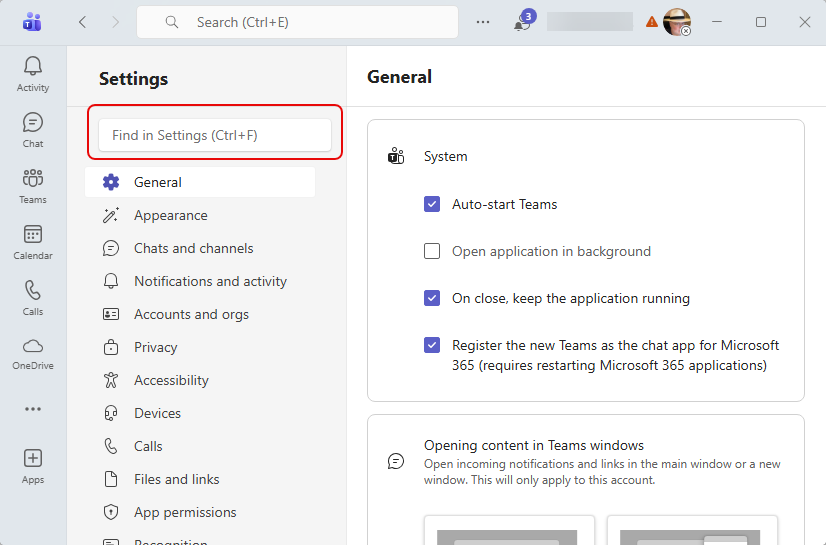
Have you ever gone into the Settings for Microsoft Teams to change something, and found yourself clicking through every single option looking for what you’re after? Now you can just search for the option using the Settings search. Here’s what that looks like:
I’m in Settings for Microsoft Teams, and I want to change my microphone options. Under Settings, I can use the search bar to go directly to that part of the settings:
I type in the word microphone, and it lists links to the various Settings areas that are applicable:
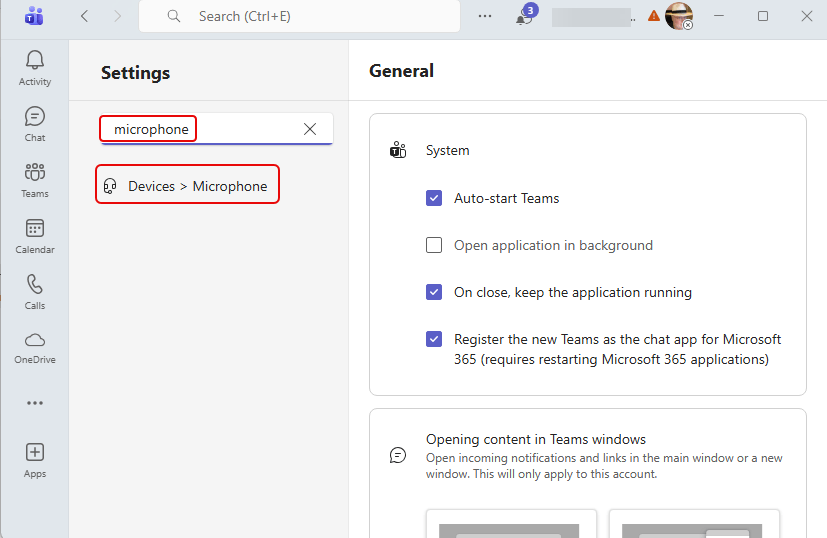
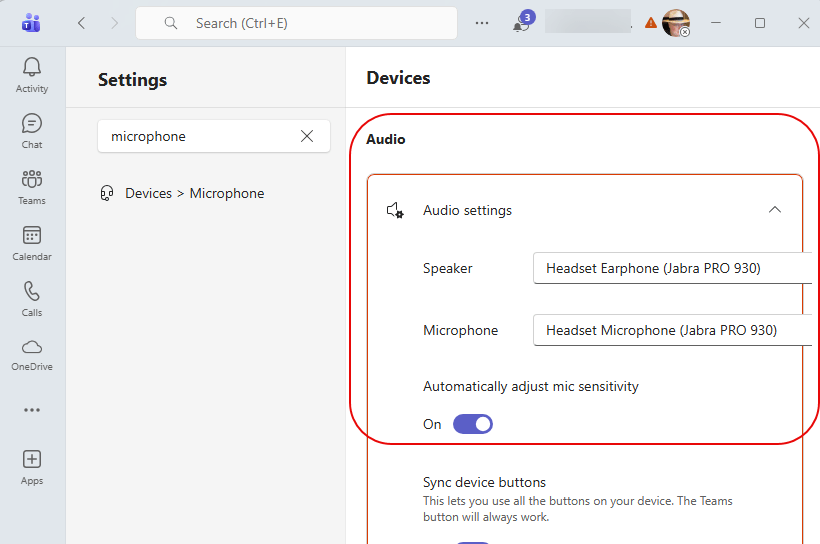
When I click on Devices > Microphone, I end up in the right Settings area without wasting time clicking on everything else to find it:

 One Minute Office Magic