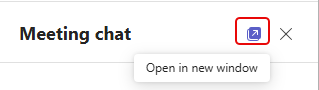
Sometimes screen real estate can become an issue if you have a lot of things going on in a Teams meeting. You can now pop out the Chat pane into a separate window, however. That can give you more room to see screen sharing by others. Here’s how that works…
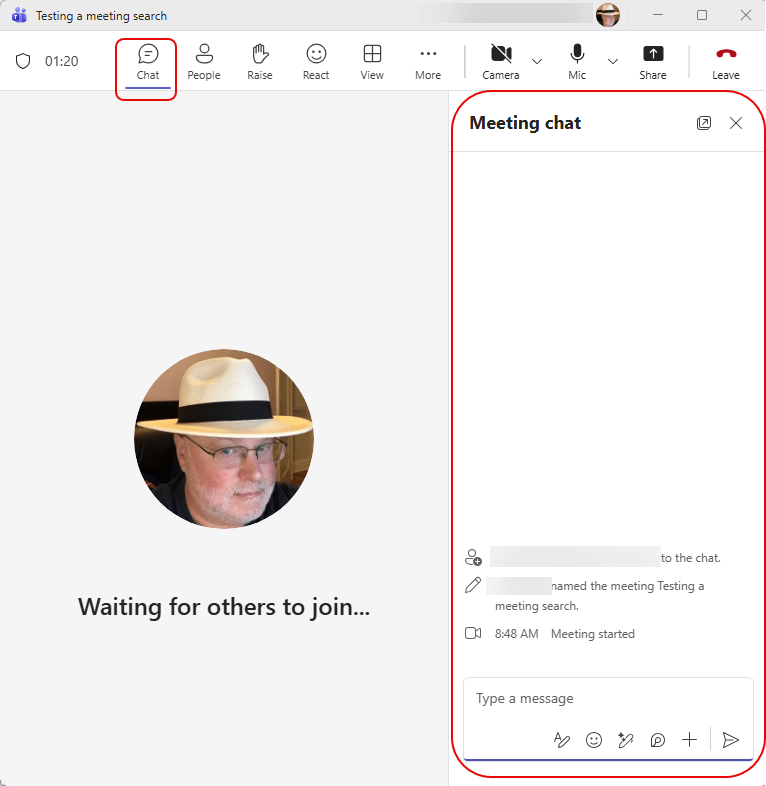
Here’s how a normal Teams meeting layout looks when you have the Chat pane open. As you can see, it reduces the amount of space you have available for any screen sharing that may be happening:
By using the Open in new window icon in the upper-right corner of the Chat pane, you can pop that out to a separate window that you can move around apart from the meeting:
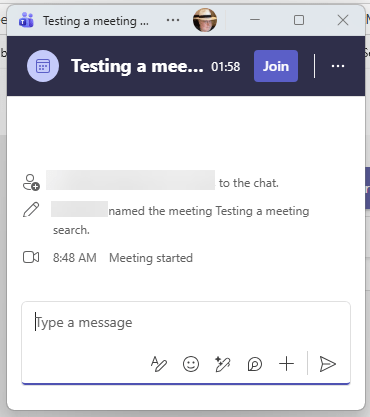
Here’s your separate window… ready to be moved around:

 One Minute Office Magic