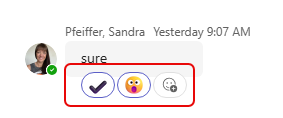
We all love to use emojis as reactions to a message in a chat or channel. But sometimes, a single reaction doesn’t quite explain your true feelings about something. 🙂 Now, you can put multiple emojis on a message to get your *real* message across. Here’s how that works…
So here’s the normal path to adding an emoji from the full palette:
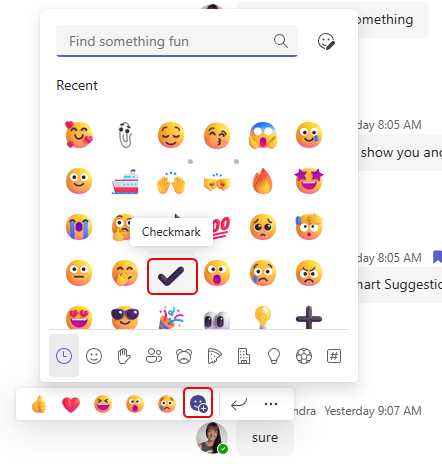
That used to be as much as you can do. But now you can click the icon again and choose an additional emoji:
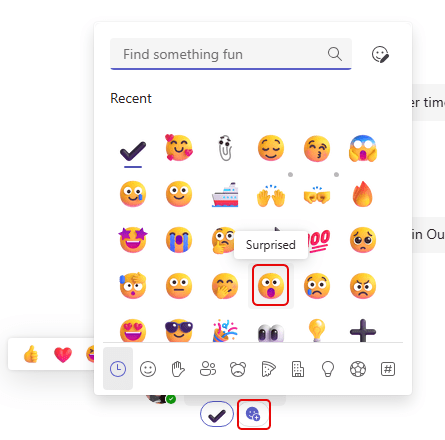
And you’ll see both of your reactions:
And because I know someone will ask… how many can I add? The answer is 20:
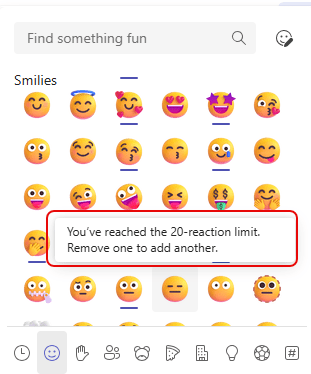
Just keep in mind that sometimes “less is more”. 🙂

 One Minute Office Magic