One of my coworkers pointed out another Microsoft Word trick involving keeping words together on the same line. In this case, it’s if you want to keep a compound word (two words separated by a hyphen) together on the same line so it doesn’t appear to be a single word broken at the end of the line with a hyphen. Here’s how you do that…
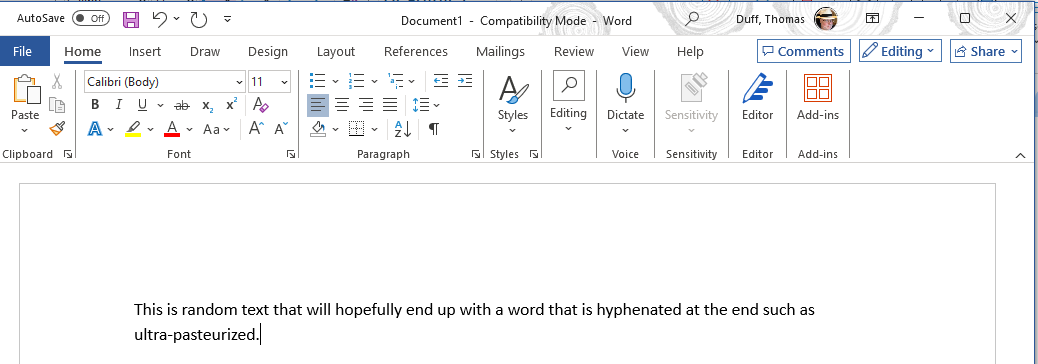
In this example, I’m using the compound word “ultra-pasteurized”. The word showed up at the end of the line, and Word treated it like a hyphenated single word:
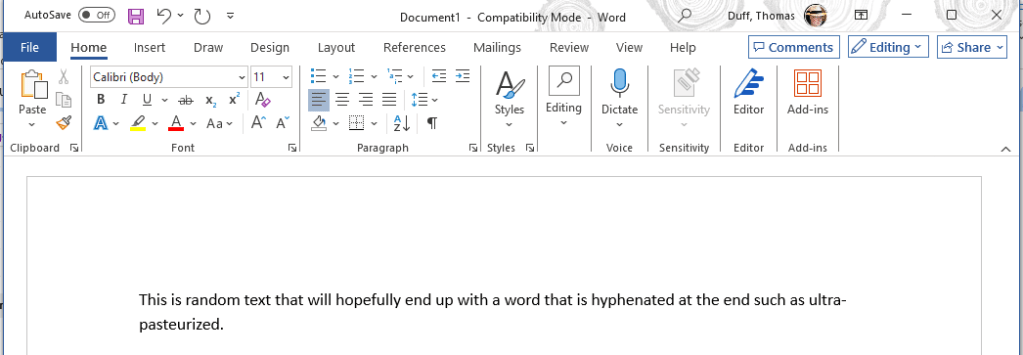
To prevent that, I put the hyphen into the document using CTRL+SHIFT+-. This tells Microsoft Word to keep the entire compound word together on a single line instead of putting a line break in there:


 One Minute Office Magic