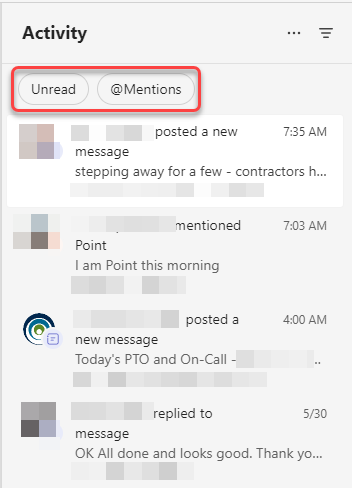
If you use the Activity Feed in Microsoft Teams to find out what’s unread and where you’ve been mentioned, you’ll see a slight change at the top of the feed. Microsoft has added filter pills at the top to make those two options easier to use. Here’s what that looks like…
Now at the top of the Activity Feed, you have two filter pills. One, when clicked, will show you any unread items in your feed. The other will show any feed items where you were specifically mentioned:

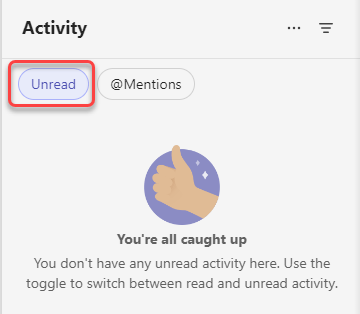
When I clicked on Unread, I got a message saying I didn’t have any unread items in my feed:
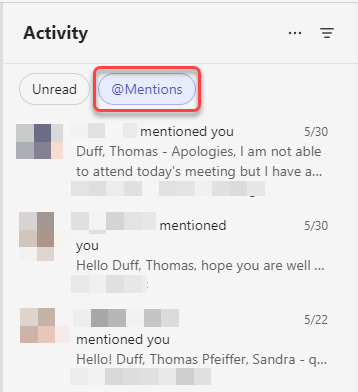
For @Mentions, I got a list of all the items where someone specifically pinged me by name, such as in a chat:
You could even click both of them together to get all the unread mentions. 🙂
The downside? 🙂 Users will no longer be able to go to ‘more’ filters (the triangle filter icon) to choose filters for missed calls, replies, reactions and apps in Activity feed. Microsoft recommends using the filter pills or Search to find items in those other categories.

 One Minute Office Magic