
If you’re part of a group chat in Microsoft Teams, you’ll notice that the icon for that chat is a mix of three profile pictures of the group participants. But it would be nice if you could change that icon to be more representative of the group… or perhaps just more fun. Well, now you *can* change that picture, and here’s how you can do it…
To start the process, click on the existing profile picture in the group chat:

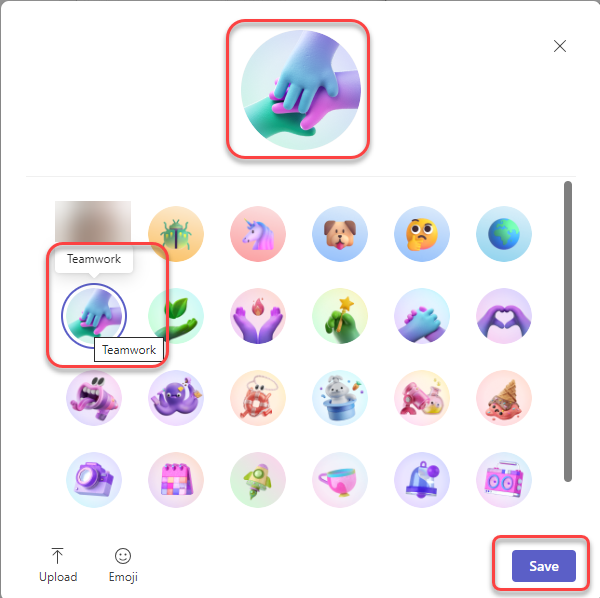
A pop-up screen appears, showing a number of images you can choose from. You also have the option to use emojis or even upload your own picture:

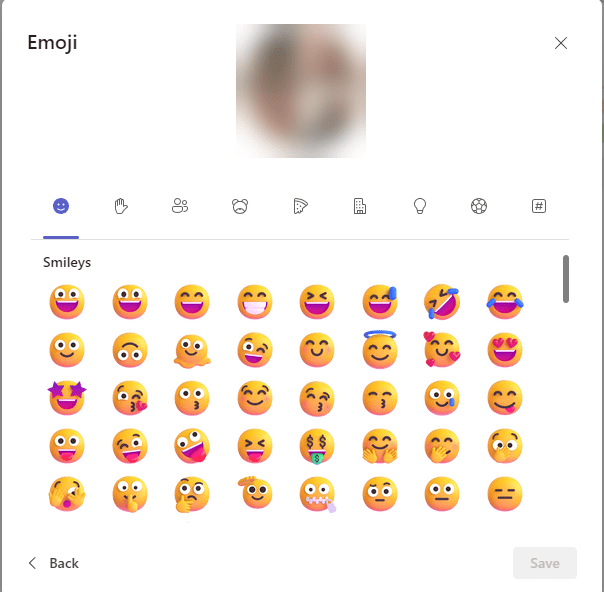
If you click on Emoji, you get the full emoji palette to choose from:
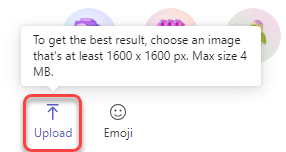
If you have a picture on your computer that you’d like to use, click on the Upload icon. Please note the recommendations for best results:
In my example, I decided to use the Teamwork icon, so I clicked on that icon and then clicked Save:
And now the SharePoint Team group chat icon has been changed!

For more information, check out Personalize your group chat avatar in Microsoft Teams.

 One Minute Office Magic