
When you use the Text web part in a SharePoint page, the Table option in the web part has improved formatting and accessibility options. Here’s what they look like…
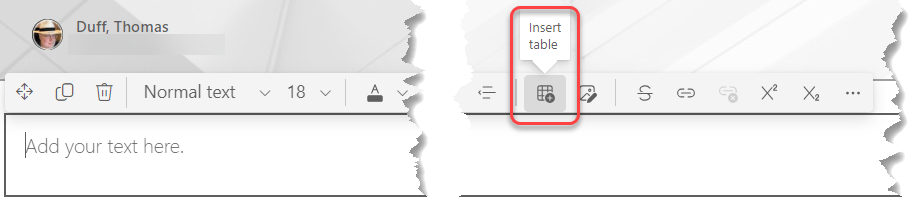
In the text web part on this SharePoint page, click on the Insert Table icon in the ribbon bar for the web part:
You will get a 3×3 table in the web part, and you can click the drop-down arrow in the Table icon to see options for shading rows and columns, inserting and deleting rows and columns, setting the table content alignment, and accessibility options:

In this example, I typed in content for the column headers and rows, and then used the theme-colored column headers to make things stand out:

You can also add a label to the table to help screen readers convey information to the user. In this case, I gave the table a label of This is a table:

When I hover over the table, I see the label, and a screen reader would pick that up and vocalize it to the user:


 One Minute Office Magic