Microsoft embraces the fact that your work environment is flexible and can change with little notice. There’s a new feature for your Microsoft calendar in Outlook (currently the web-based version) that allows you to let people know your work hours and locations even though they may be different for every day of the week. Here’s how that works…
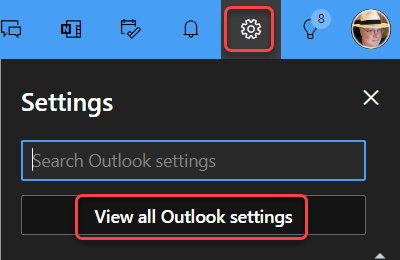
In the browser-based version of Outlook, click on the Settings icon and go to View all Outlook settings:
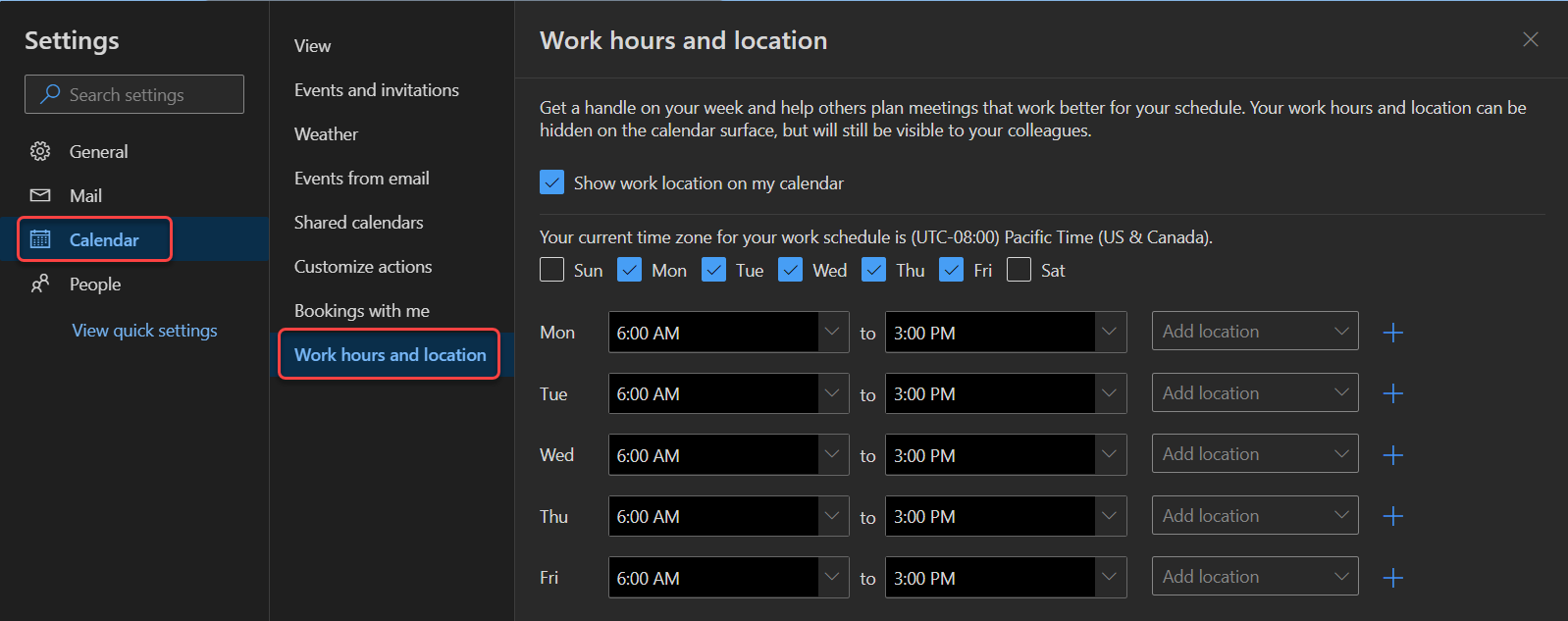
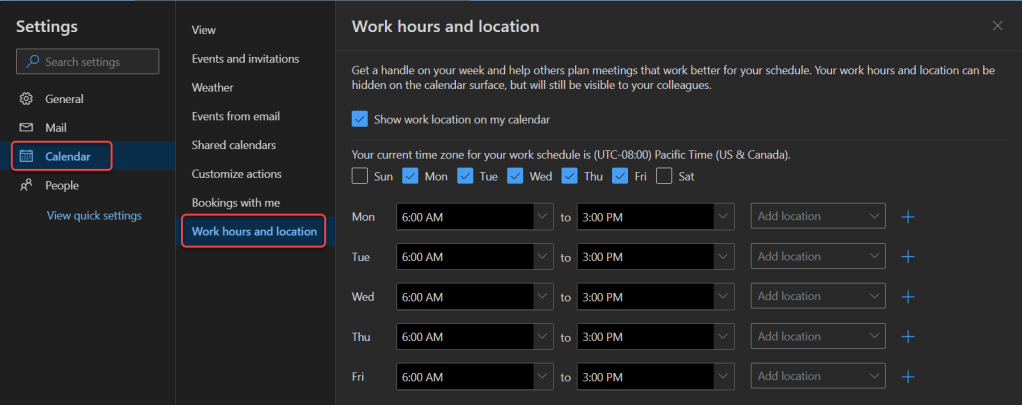
In the Settings panel, go to Calendar > Work hours and location. There you will see the options to select your workday schedule, the hours you’ll work for each day, as well as what location you’ll be working at (Office or Remote):
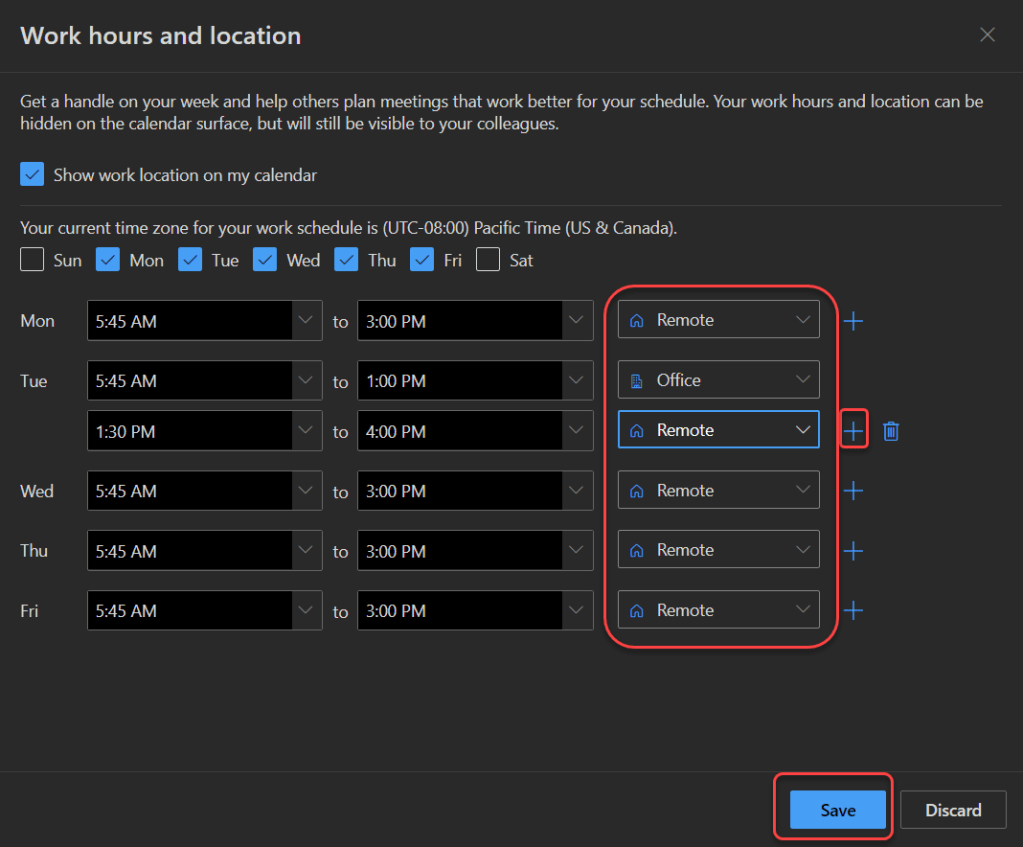
In this sample, I clicked on the Plus icon after one of the days so that I could split my hours between Office and Remote. Once I have my schedule set up, I click Save:
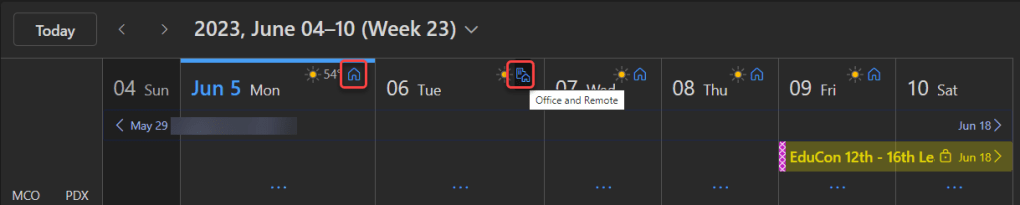
In my calendar, I now see an icon at the top of each day that signifies whether I’m working in the office, remote, or both:
As mentioned earlier, this is currently only available in the web-based version of Outlook (outlook.office.com), but it’s coming soon to Teams and to the Outlook client. For more information on this feature as well as some other tips for using it, check out Hybrid meeting management in Outlook on the web and Teams.

 One Minute Office Magic