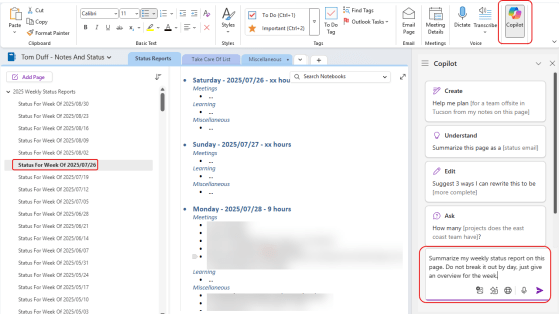
If you use OneNote, you no doubt have a lot of information locked away in there. However, it might be … More
Tag: Microsoft Copilot
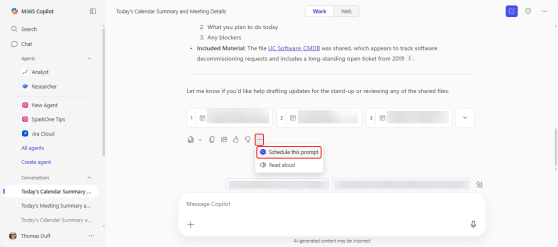
Running scheduled prompts in Copilot Chat
As a regular user of Copilot, you may have certain prompts that you run every day, such as “summarize my inbox” or “review my calendar”. You can save those prompts and run them manually, but now you have an additional option… setting them up as a scheduled prompt. Here’s what that looks like and how it works…
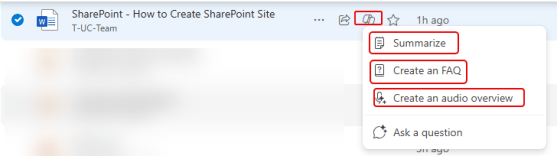
Using the Copilot OneDrive life item icon to get file information
When you’re scrolling through your OneDrive and you see a file that looks interesting, you may not be thrilled to have to dig through the document manually to figure out what it’s talking about. But by using the Copilot icon on the document library line item, you can get summaries, FAQs, and audio overviews. Here’s how that works…
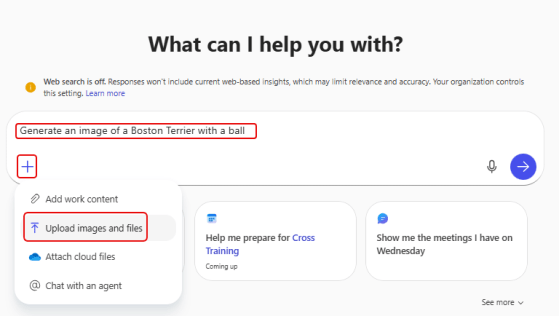
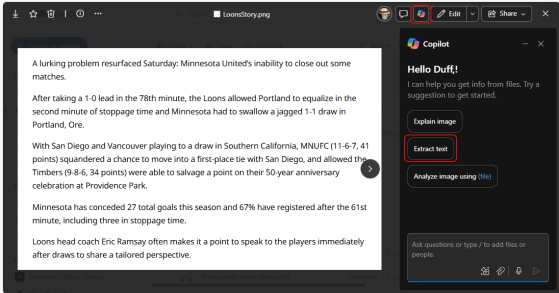
Extracting text from an image using Copilot
It’s not uncommon that you have a picture of something that includes text, and you really want to be able to use that text in an email or document. Optical Character Recognition (OCR) is the way to go, but do you have any software to do that? You do if you have Copilot! Here’s how that works…