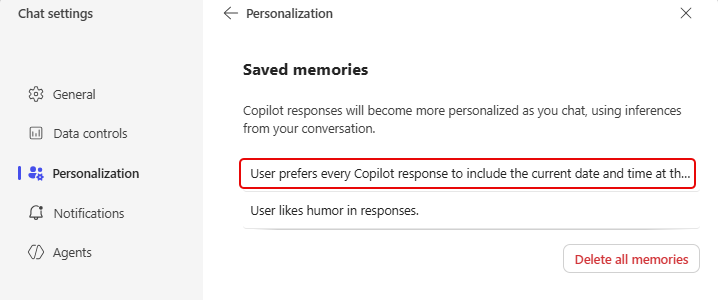
Copilot has some interesting ways to handle personalization when you want it to aways respond in certain ways. One of those techniques is Saved Memories, and you can pass along those memories in the middle of having an ongoing chat. Here’s how that works…
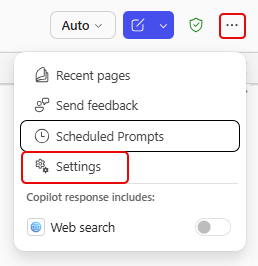
To get to the Settings, click on the ellipsis in the upper right corner, and then click on Settings:
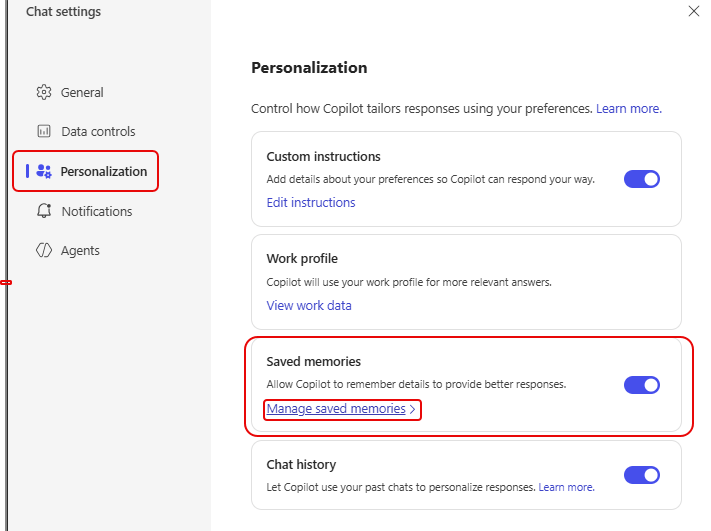
Once you’re in Settings, click on Personalization and then Manage saved memories (make sure that option is turned on):
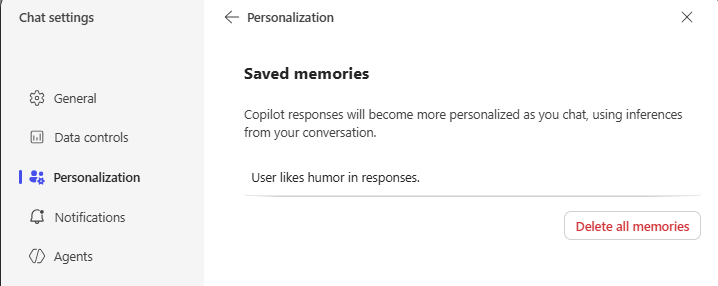
You will see any of the Saved memories that you already have:
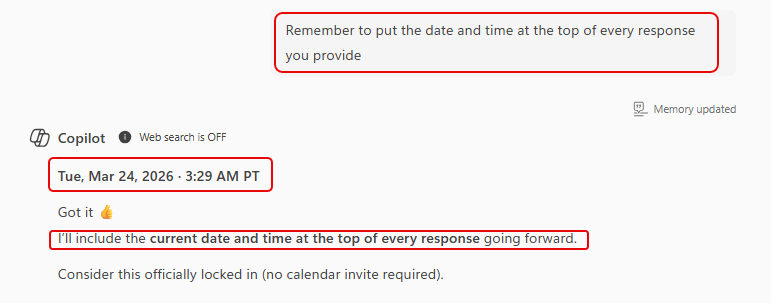
Back in your Copilot chat, type in your memory starting with the word “Remember“:

I asked it to remember to put the date and time at the top of any response Copilot gives me. Copilot’s response now has the date and time at the top and tells you it will do the same thing going forward:
And if go back to Saved memories, I see that I have that memory in the list now:
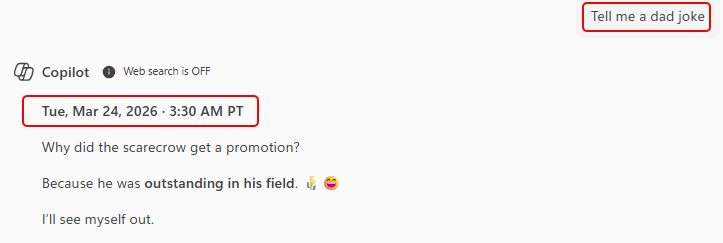
And just to make sure it works, I asked for a dad joke. The response was prefaced by the date and time:

 One Minute Office Magic