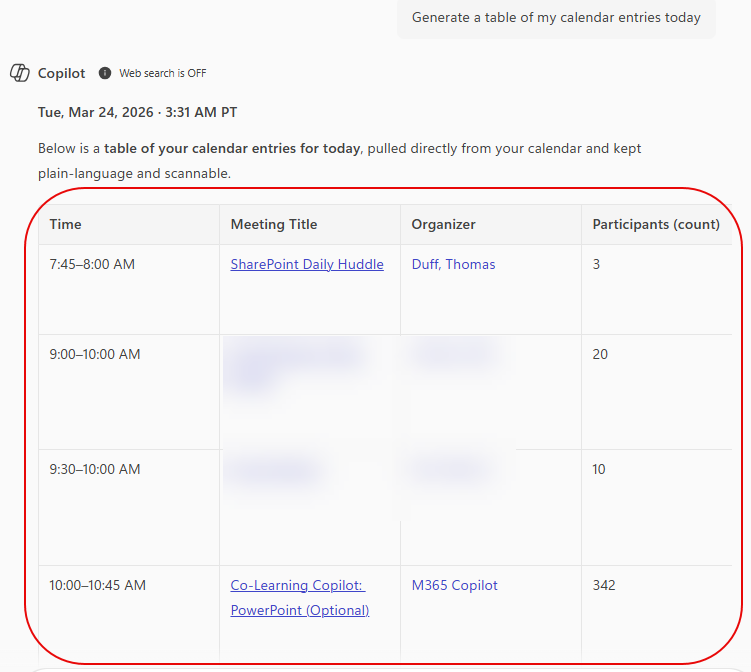
One of the recent Copilot changes is the ability to copy AI-generated tables from Copilot and paste them in other M365 applications. I guess I just assumed that would always be possible, but I had never tried it before. Here’s how it works…
To generate this example, I asked Copilot to generate a table of my calendar entries for today:
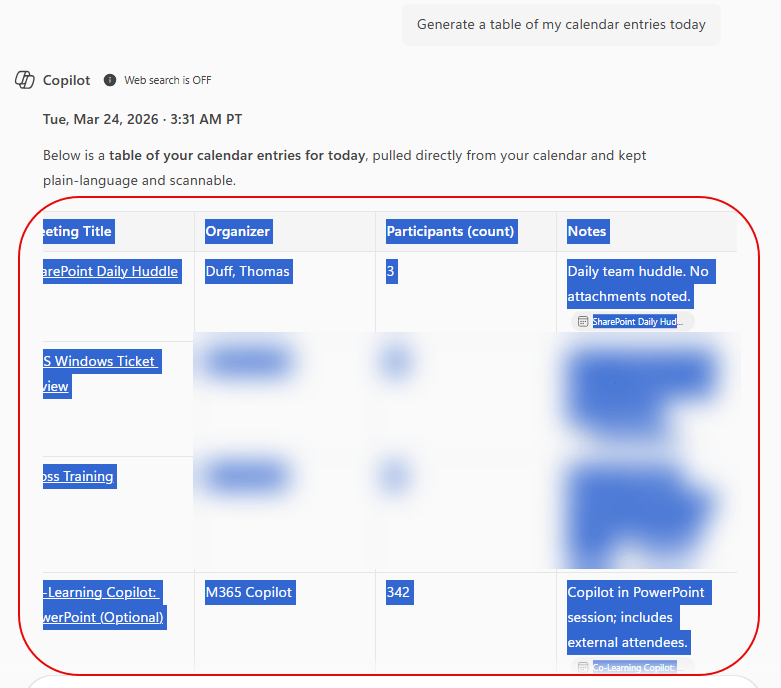
From there, I highlighted all the table content and used CTRL-C to copy the content:
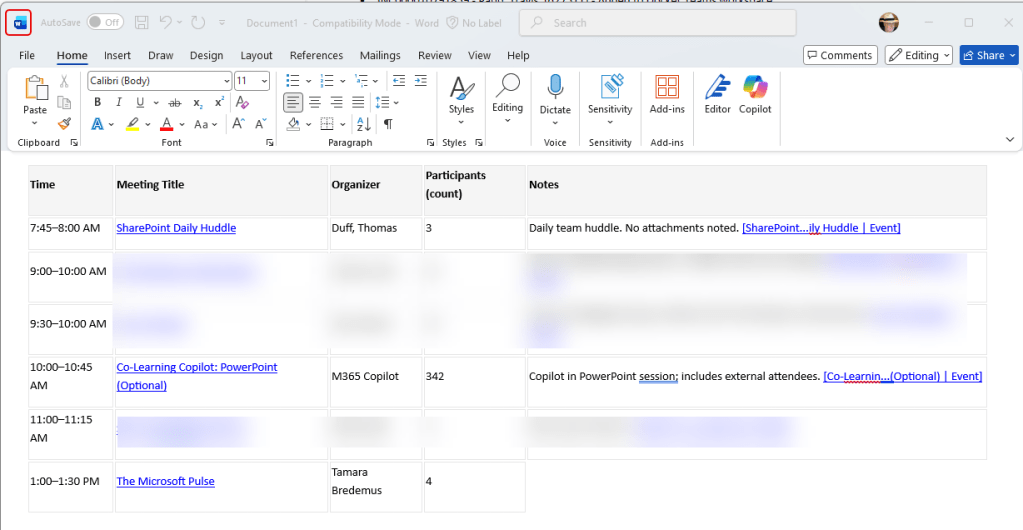
I was then able to paste the content to Word, which maintained the table layout:
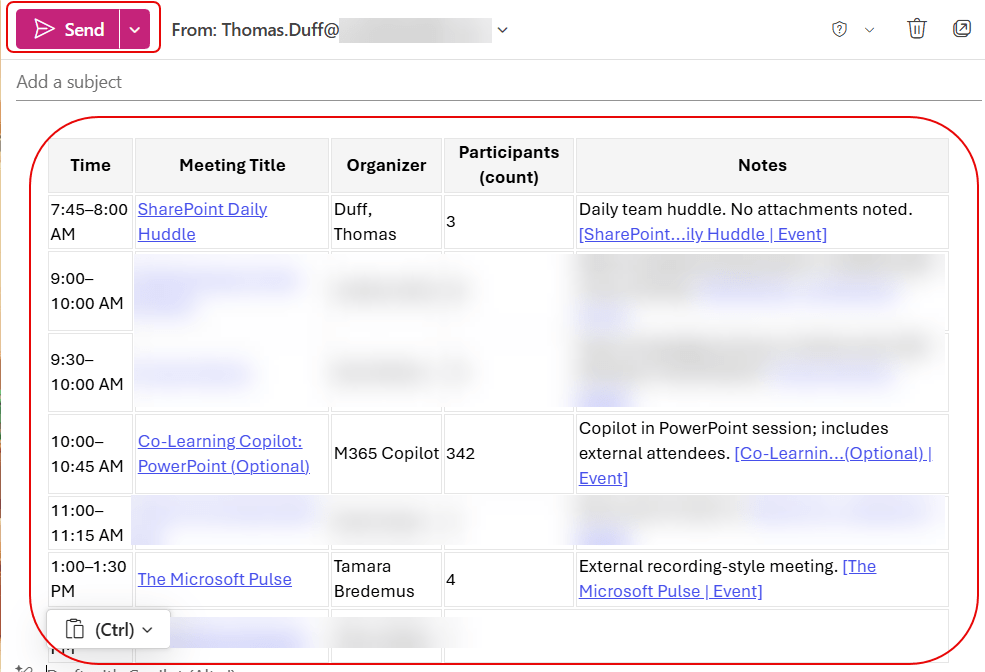
Likewise, I could paste it into the body of an email:
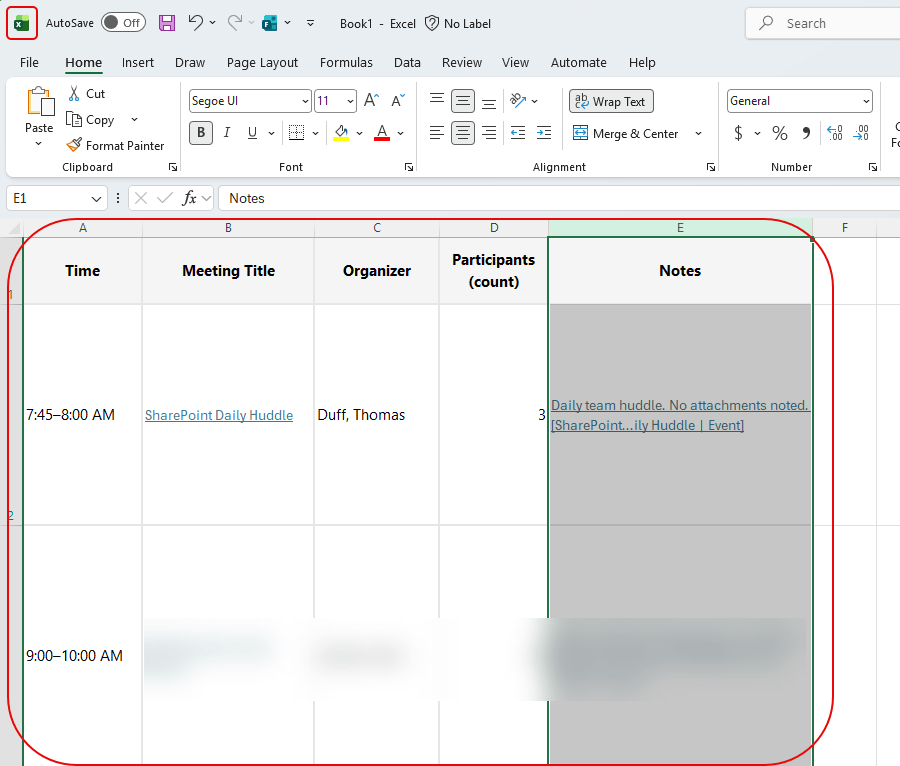
And finally, I pasted it into a single cell of an Excel spreadsheet, and it copied over in a table format:
I’d like it even better if there were an icon under the table where you can just click the icon to get the full table copy. However, you can use the icon for Copy response, and that also allows you to paste the table content. However, it also brings over the text of the response, and you may need to clean that up after you paste the content into the target application.

 One Minute Office Magic