
This feature has been around for a long time, but I don’t see it used or talked about very often. Did you know you can pin up to three files/folders to the top of a view in a SharePoint document library? If not, here’s how it works and what it looks like…
In the All Documents view of this document library, I want to pin the mp4 file to the top of the view:
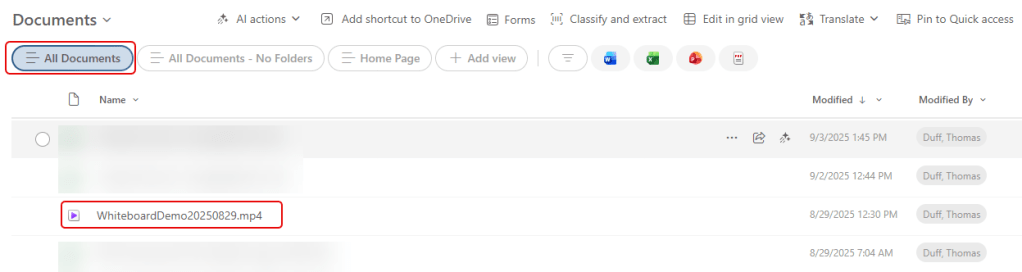
To do so, I select the file and click Pin to top in the ribbon bar menu:

Now the file is pinned to the top of the All Documents view of that library:
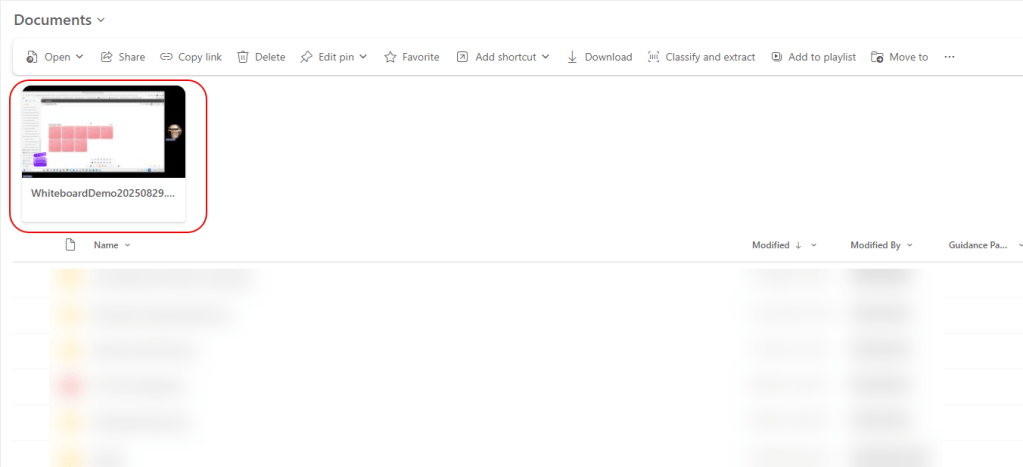
If I want to remove that pinned file, I select the checkbox at the top left corner of the pinned file, and the select Edit Pin > Unpin:
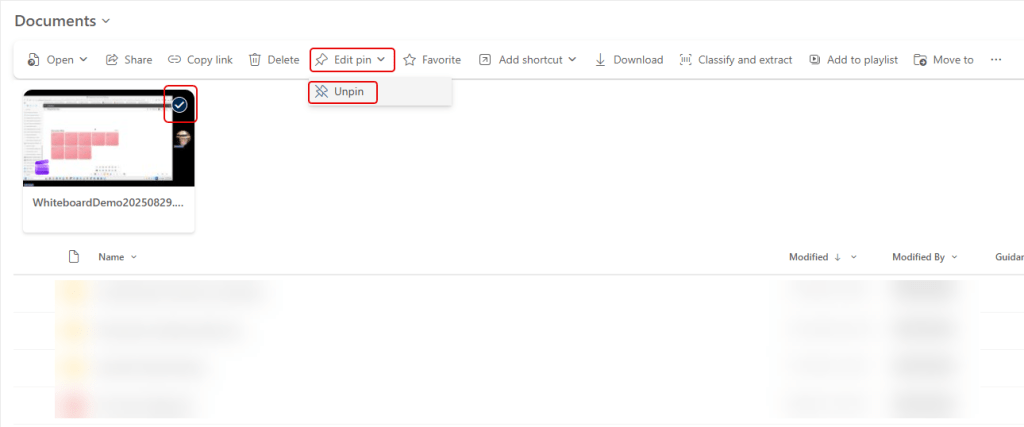
That will remove the file or folder from being pinned.
A couple of items to know and/or remember… You can only pin up to three items. To add a new item, you have to remove one of the existing pinned items. Also, this is something that is done at the View level. If you pin a file at the top of the All Documents view, it will not show up at the top of other views in that library. You would have to pin the items again in the other view(s) if that’s what you want.

 One Minute Office Magic