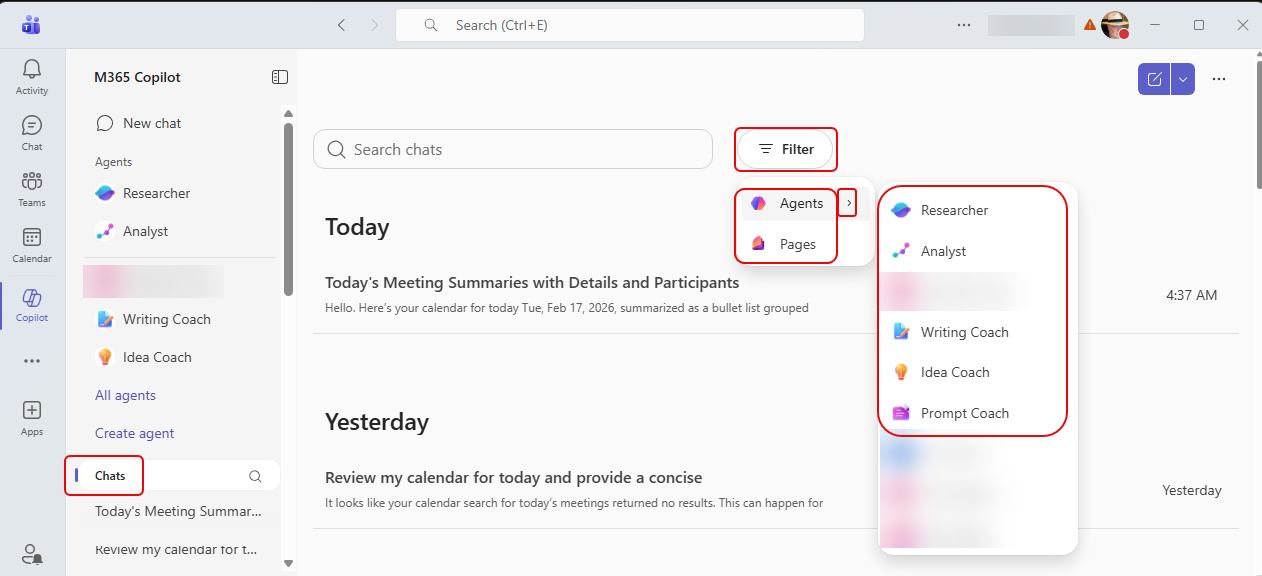
When you are looking at your Copilot Chat history, it could be a bit overwhelming to filter down what you’re looking for. Yes, you do have search, but what if you’re unsure of the keywords you used? Now you can use a filter pill to pare down the list to results from Agents or things you sent to Copilot Pages. Here’s how that works…
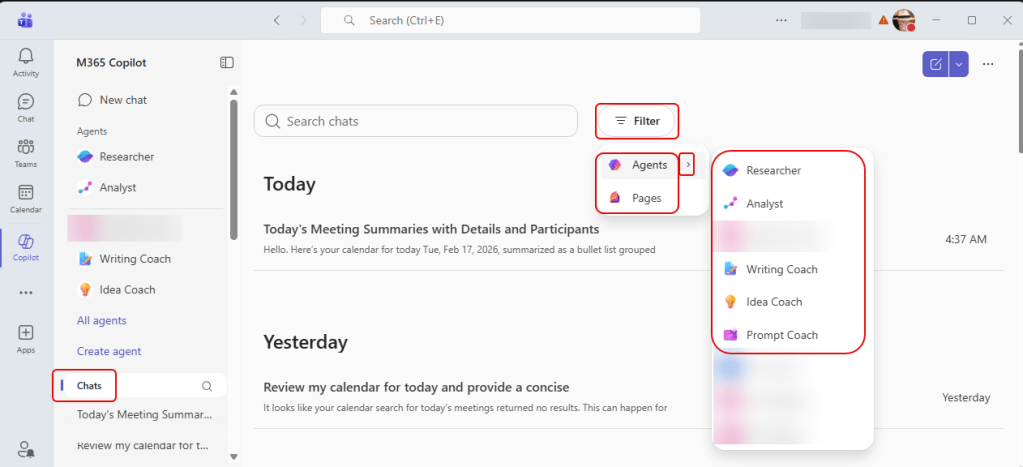
When you click on Chat to get the Copilot Chat history, you see a list of all your chats. There is a new Filter pill you can click on to narrow down the results to specific Copilot Agents that you used, or to chats where you created a Copilot Page from the results:
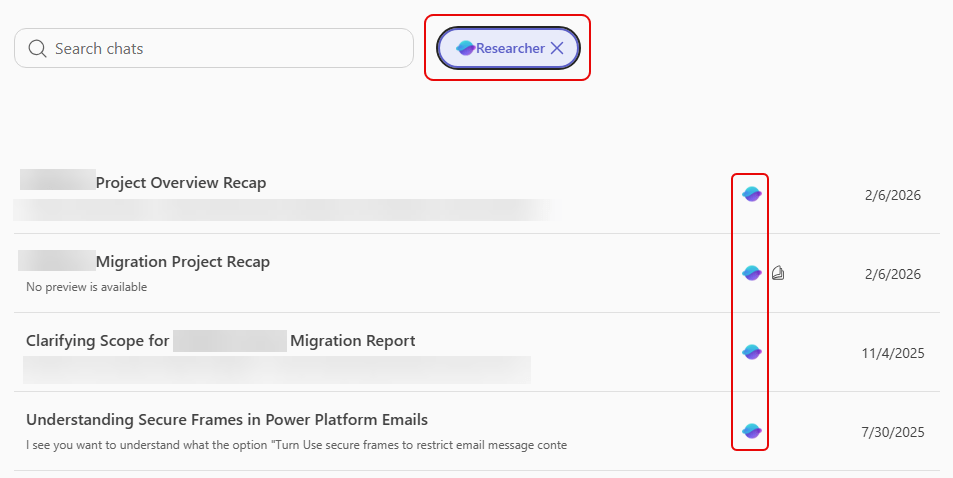
In this example, I narrowed down the results to chats created from the Researcher agent:
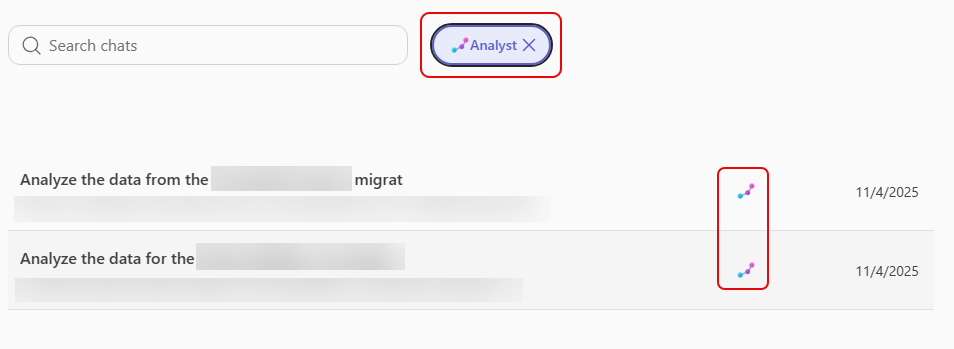
And on this example, I selected results from the Analyst agent:
And in the final example, I filtered results to chats where I sent the response to Copilot Pages:
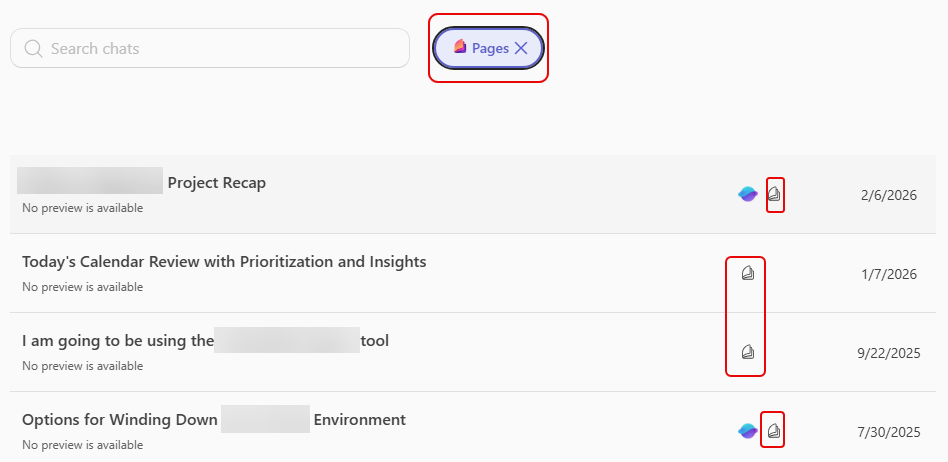
While you still will want to use the search bar to narrow it down any further, this filter pill can help get you headed in the right direction.

 One Minute Office Magic