If you’re using Copilot Chat, you’re probably familiar with providing one or more files for grounding your prompt. You may not know that you can also ground your chat in emails. This means you can take an informational email and use it in your Copilot chat session for asking questions. Here’s how that looks…
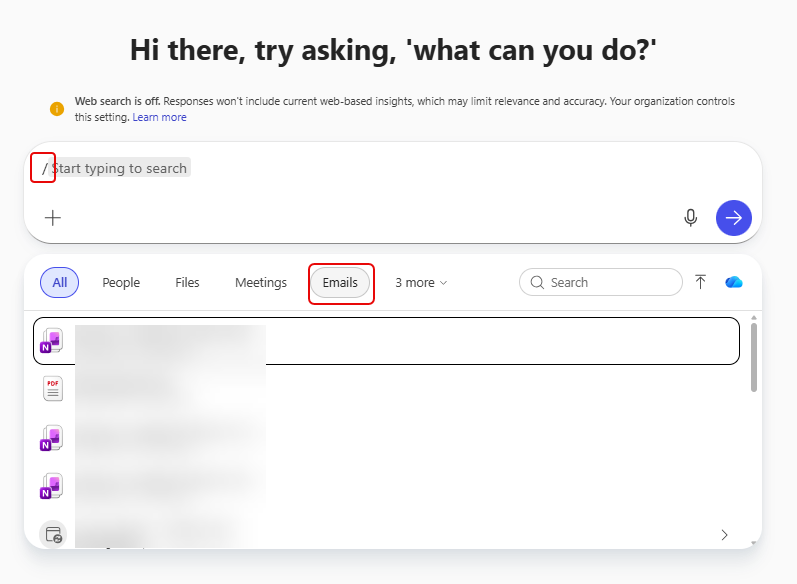
In my Copilot chat session, I start off by typing a forward slash to bring up the options for selecting content for grounding my chat session. In this case, I want to ground my chat in some emails that I have. I can select Emails as a filter option:
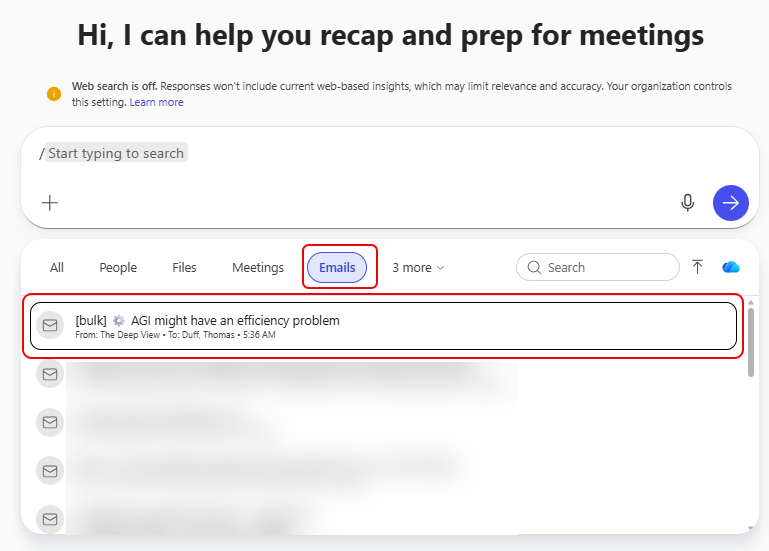
Once I select Emails, I get a list of emails I might want to use. I select an email newsletter about AGI:
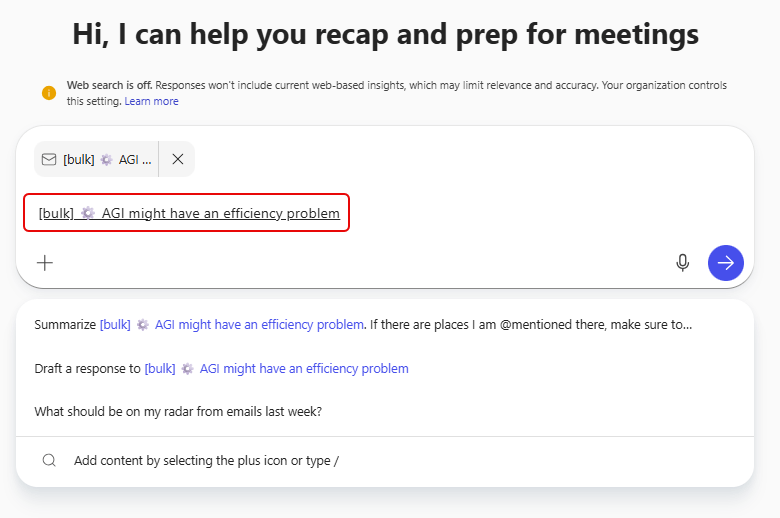
Copilot brings in that email file for grounding, and I can now ask a question and make that content available to Copilot for answers:
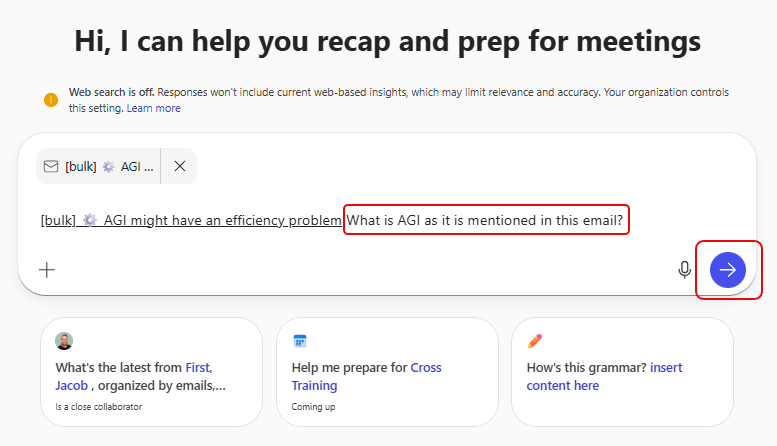
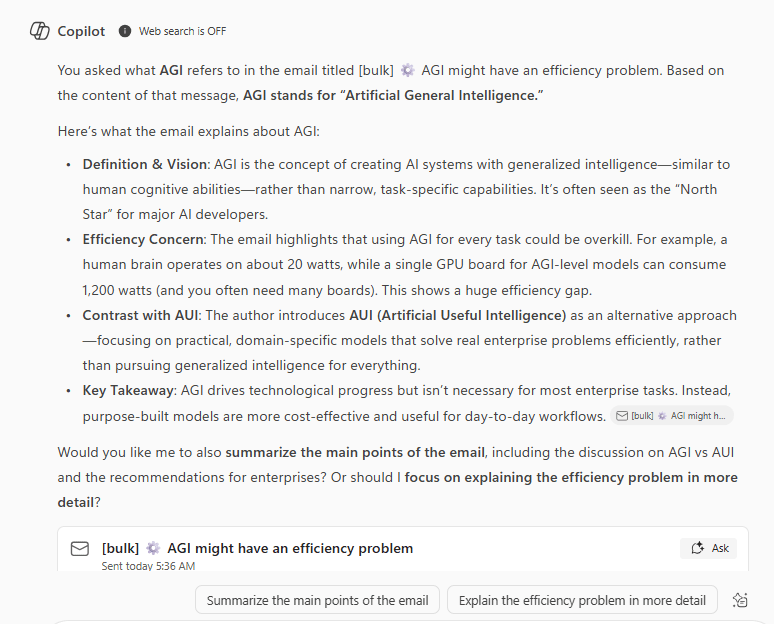
I asked it to tell me what AGI means in relation to that email:
I then get a response to my question based on the content of that email, so the answer I get back is specifically related to just that email, not everything it knows about AGI:

 One Minute Office Magic