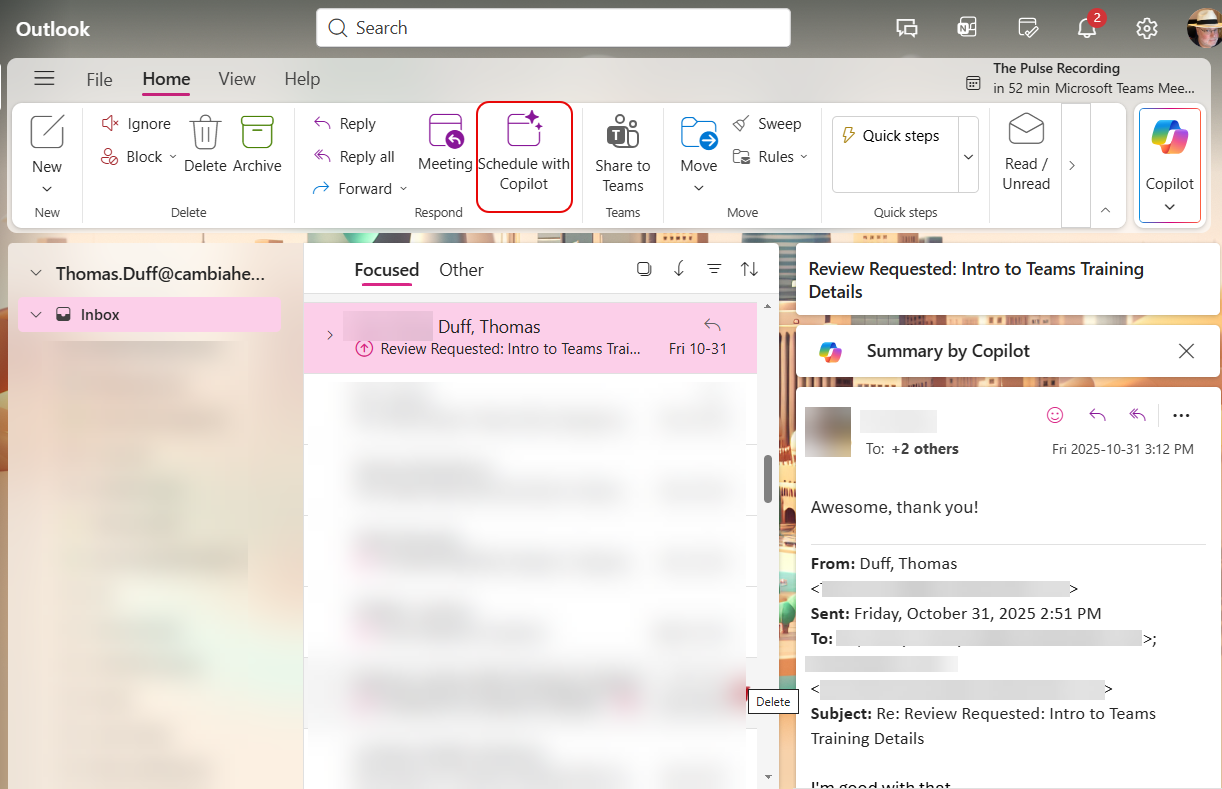
It’s not unusual to have a long email thread that is looking like a meeting needs to occur. But trying to find all the people, summarize the agenda, and find the best possible time can be a real chore. However, using the Schedule with Copilot feature in New Outlook/Outlook on the web can most of that work for you. Here’s how that works…
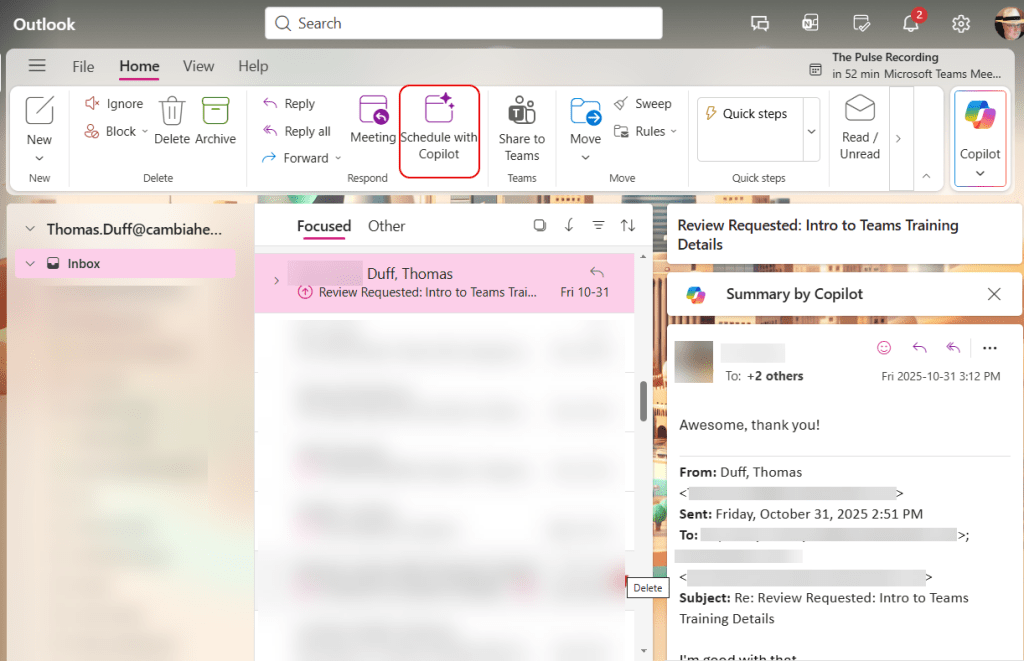
Here’s an email three involving three people, and I’d like to set up a meeting with the three of us to discuss the information that’s been shared. I can click Schedule with Copilot to get that meeting set up:
After clicking that option, Copilot sets up a meeting for the three of us, finds a time that is free for all of us, adds the email thread as an attachment, and creates an agenda based on the content of the email thread. All I have to do is click Insert to add that as the agenda:

As always, I need to review the agenda and make sure it accurately reflects what I want to accomplish. But this did in about 10 seconds what would have taken 15 to 30 minutes to do otherwise. Give this feature a try next time you’re scheduling a meeting from an email.

 One Minute Office Magic