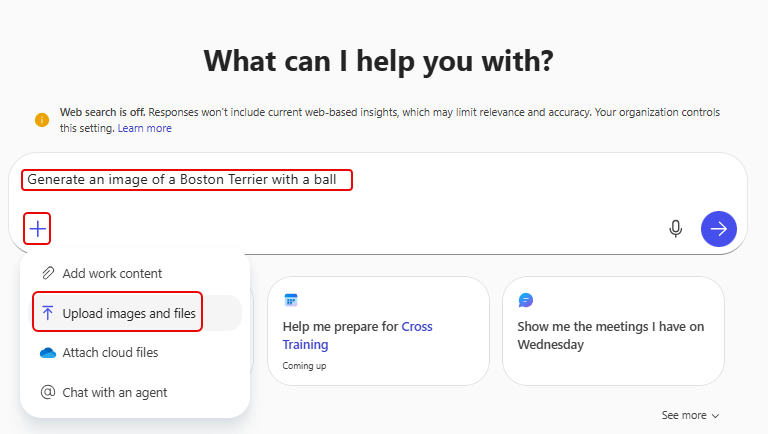
When you’re on the Copilot home page, you can prompt it to give you an image that you can use for your project or page. But as with all prompts, you may not give it enough context or information to get what you want. One way to fix that is to provide a reference image in your prompt. Here’s what that looks like…
Here’s my initial prompt to Copilot to get an image of a Boston Terrier with a ball:
After a short period of time, Copilot comes back with this generated image:

But let’s say I really had a different image in mind… such as the dog running/standing. I could include that in the prompt, but I can also include a reference image of something I’d like the generated image to be based on. In that case, I use the option to upload an image as part of my prompt:

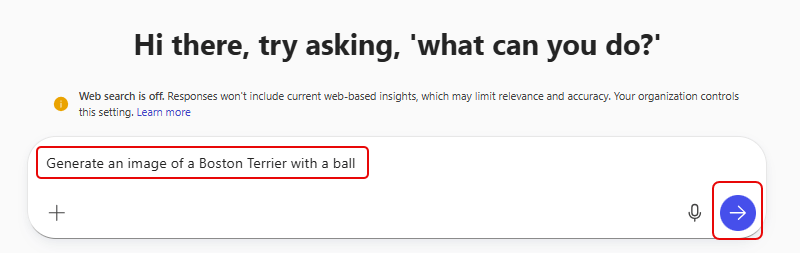
Now that I’ve included a reference image, I try the prompt again in a new conversation:
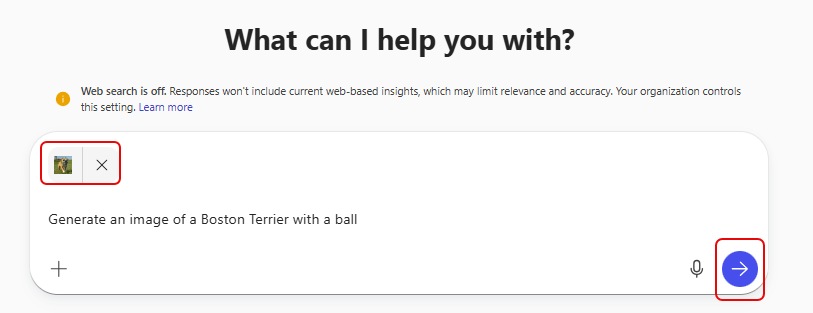
My reference image has a standing dog, a multi-colored ball, and different coloring:
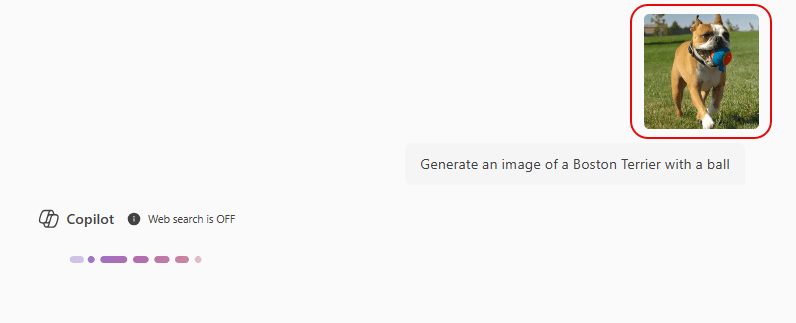
Copilot takes that into account and returns a different generated image, showing a multi-colored ball and a standing dog:
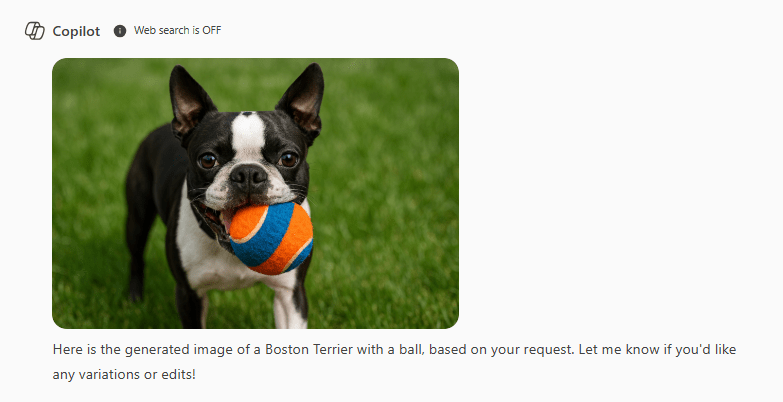
Ideally, I would have liked it to have included the change in coloring of the dog itself, but I’ve been told that brown coloring is not standard… so it probably inferred that I still wanted a standard Boston Terrier coloring. If it was that important, I would have carried on the conversation and asked it to change the coloring, which it did:
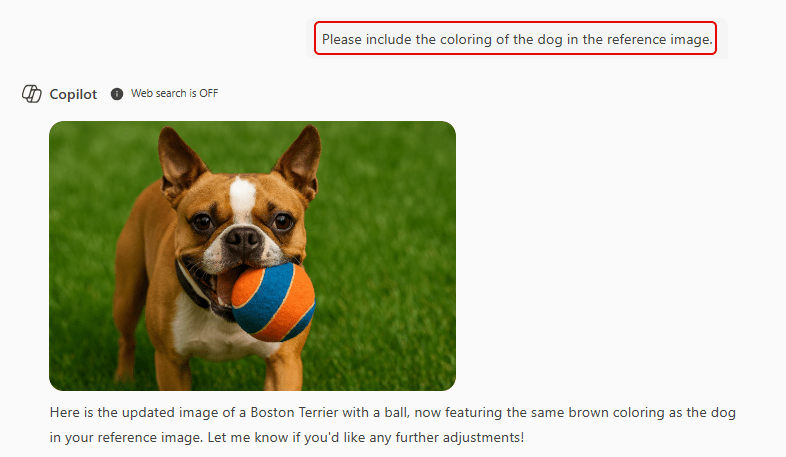
This technique is useful to get you to a better starting point for your image, and you can then refine it during the follow-up conversation.

 One Minute Office Magic