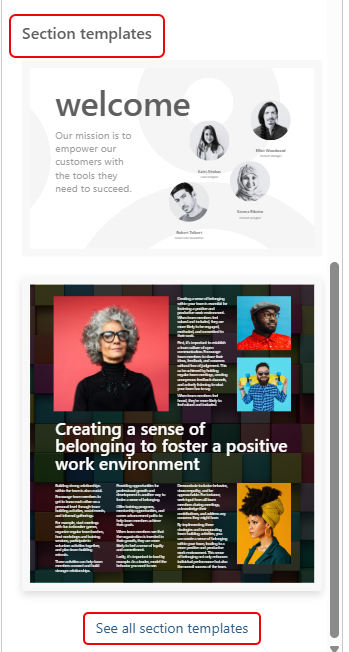
I had my mind blown away by Sandra today when she showed me a new feature in SharePoint pages… Section Templates! Now, you can design pages that look *really* awesome without having to be a design wiz. Here’s where they are and how they work and look…
In this example, I have a SharePoint page with a new blank section. I clicked on the Toolbox icon in the upper-right corner, which launches the Toolbox panel for the section:
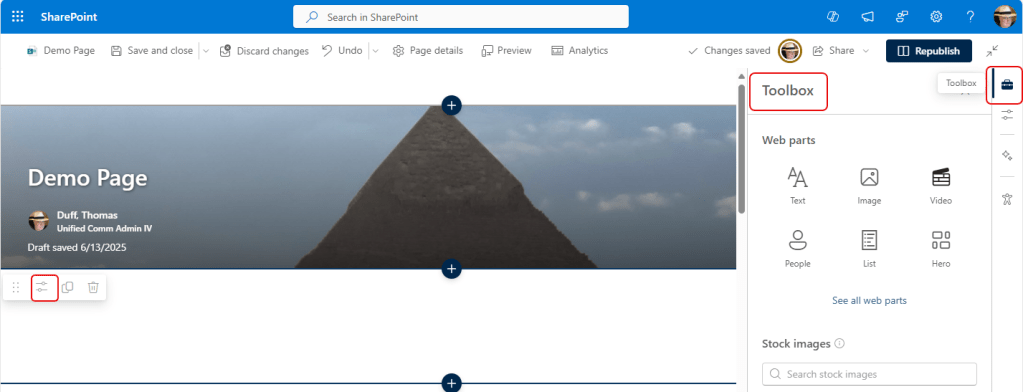
If you scroll down in the panel, you’ll come to the Section templates section. It shows you a couple of templates, but you can click on See all section templates for the full selection:
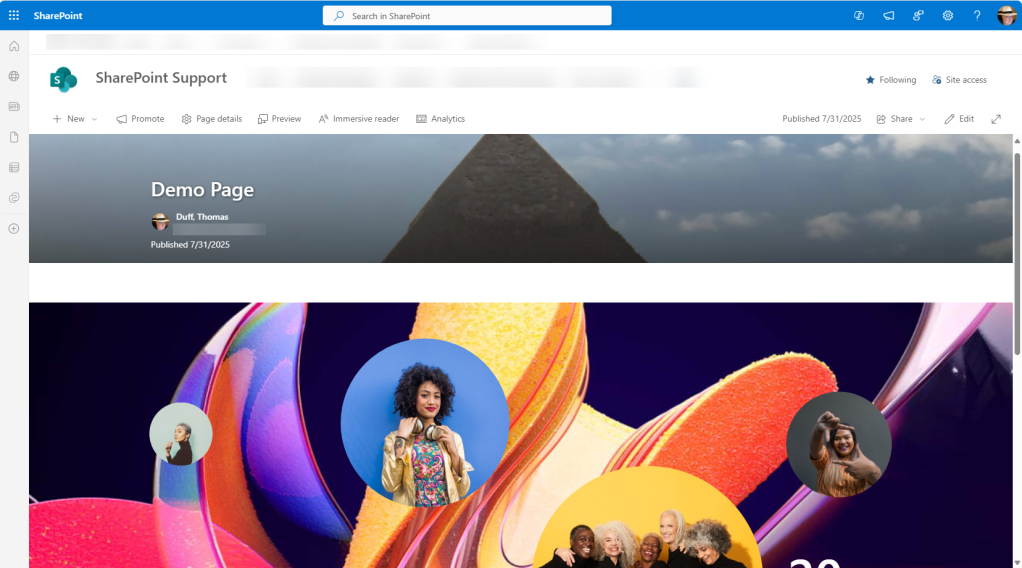
In this case, I chose the Elevate template to have a page that is giving information about an event. Each of the elements on the page are editable, so you can customize it to fit your needs:
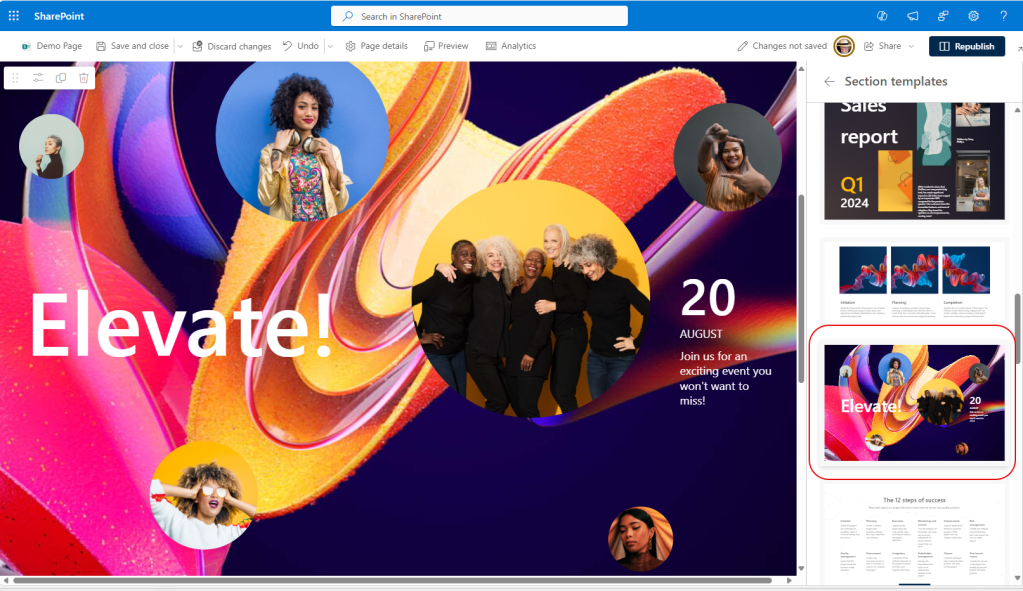
For instance, all the wording on the page consists of text web parts that you can edit and move around:

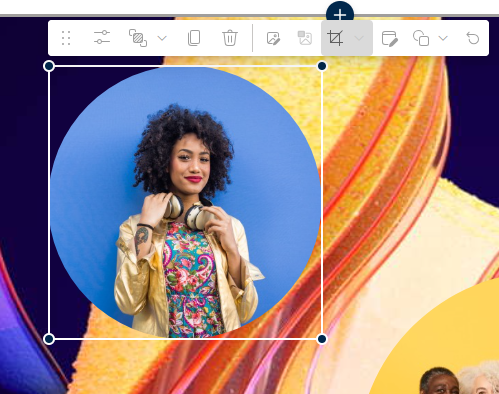
Pictures are image web parts that you can update, change, move around, or even duplicate:
When you’re done, publish the page. You now have a stunning page with great design, and you didn’t have a hire a designer to get there!

 One Minute Office Magic