In Outlook, you likely have a number of folders that you use frequently. However, they might be buried somewhere in your navigation structure, and it takes some hunting to find them. You might want to consider flagging those folders as Favorites so they end up at the top of your navigation area. Here’s how that works…
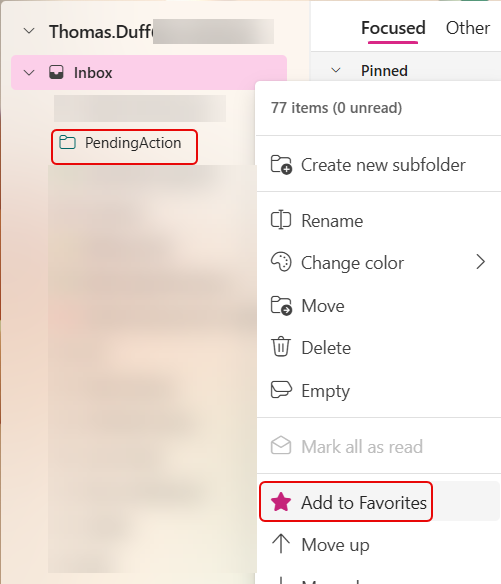
I’m in Outlook on the web in this example, but it works on all the Outlook clients. Find the folder you want to flag as a favorite. Right-click on the folder and click on Add to Favorites:
You now have a Favorites section at the top of your navigation, and it’s much easier to find that folder now. Also notice that it doesn’t get removed from your Inbox navigation…

If you no longer want to have that show up in Favorites, right-click the folder name and click Remove from Favorites:


 One Minute Office Magic