
I *love* tips that show how to get design help when building SharePoint pages. I have very little sense of design, so my pages can look pretty blah… especially around Quick Links web parts. But using the Design Ideas feature for that web part, you can get some really attractive options that break away from the traditional look and feel. Here’s how that works and looks…
Once you put the Quick Links web part on the page, click the Design Ideas icon over on the right-side rail:

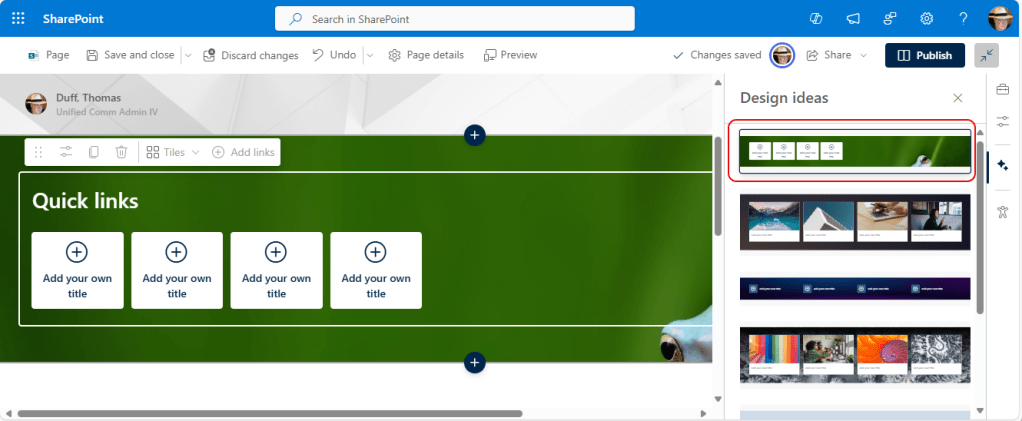
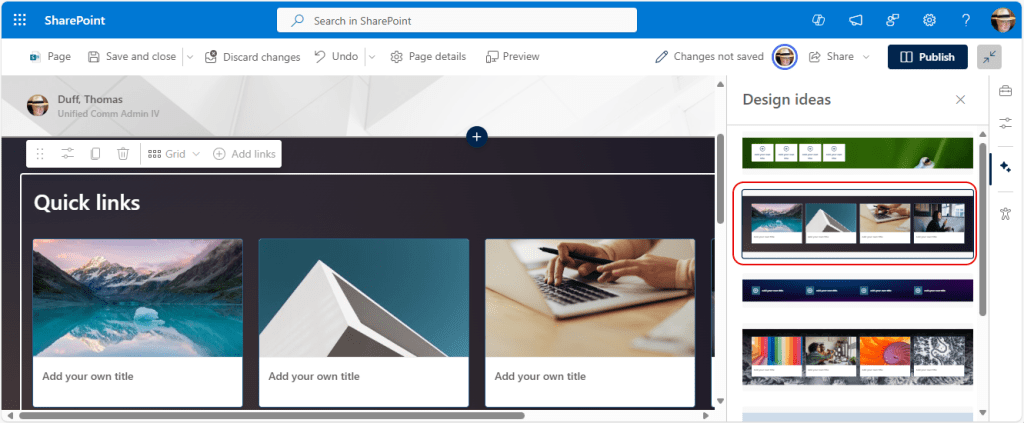
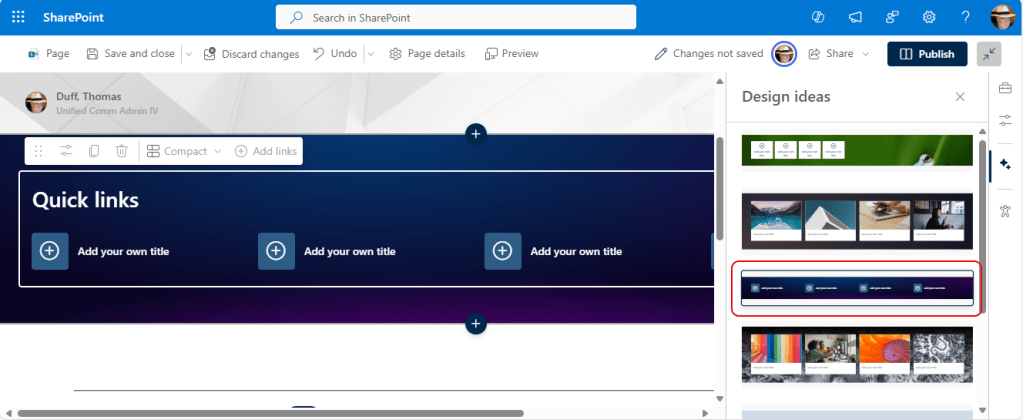
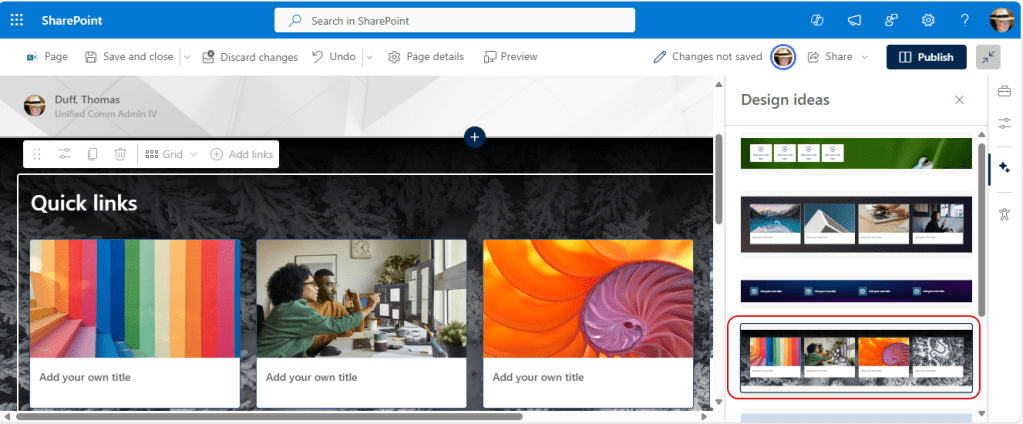
Let’s click on the various Design Ideas and see what we get… remember, same Quick Links functionality but much more attractive options:
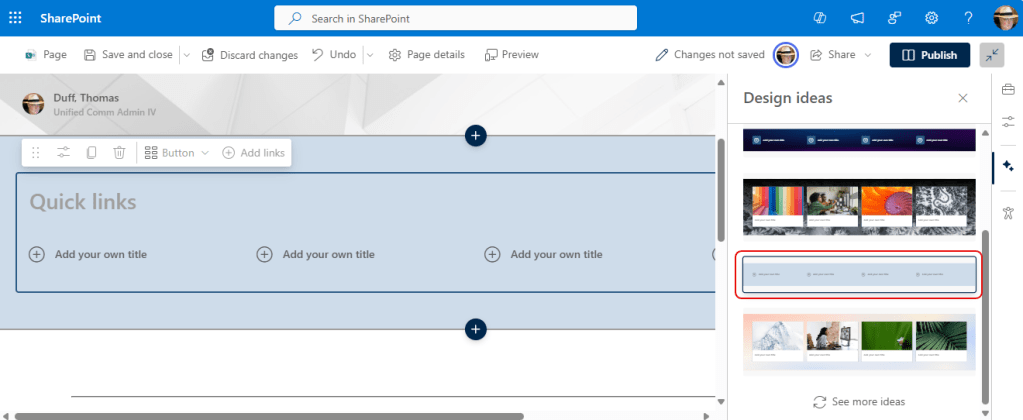
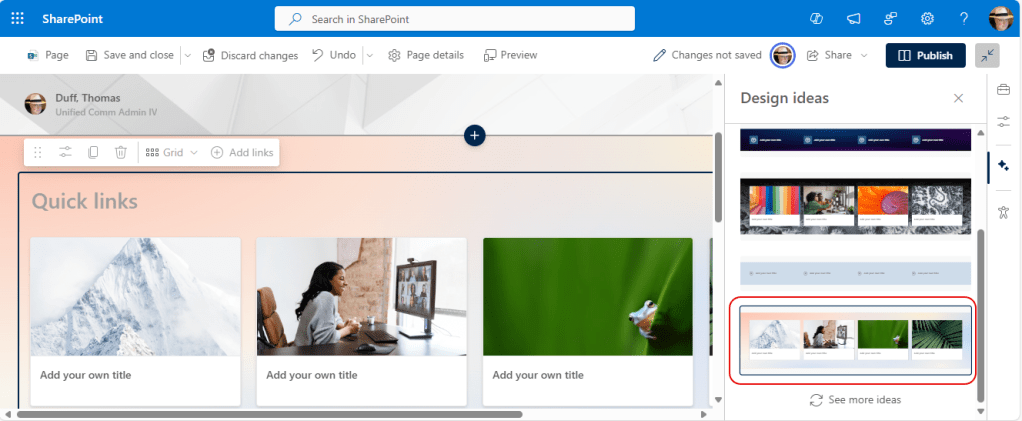
I can’t wait to put a Quick Links web part on my next SharePoint page!

 One Minute Office Magic