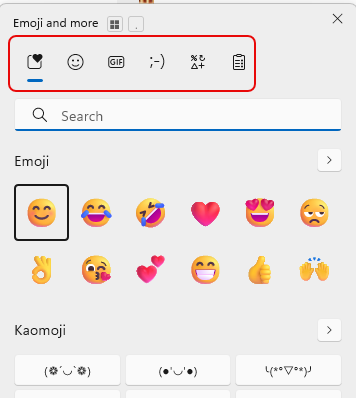
One of my work colleagues shared this tip with me, and I thought it was so good that I’ll pass it along to you. If you press the Window key + . (the period), you’ll get a cool Emoji pop-up screen along with some other useful clickable goodness. Here’s how that works…
When you press Windows key + ., you’ll get this pop-up that summarizes all the options you have:
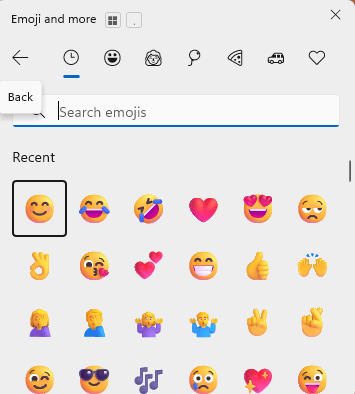
Clicking on the Emoji option gives you the full emoji palette that you can scroll through and use:
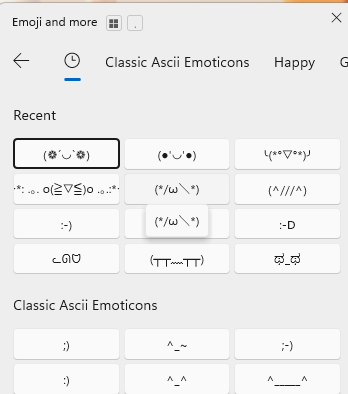
You can click on the “old school emoji” option to go back to the days of Ascii Emoticons:
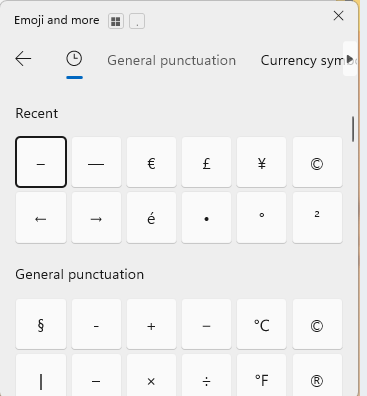
Need to get a symbol without trying to find WingDing font palettes? Click the Symbol icon to get easy access to all those strange characters:
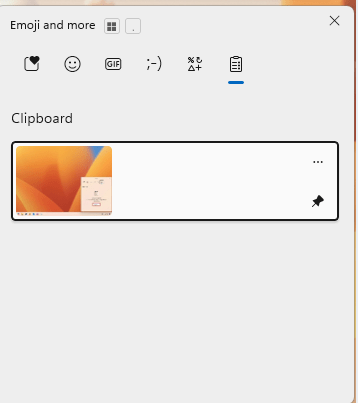
And finally, the final icon is the Clipboard History, which is really awesome!

 One Minute Office Magic