I really enjoy having a wife that works in the same technology field that I do. At dinner last night, she said “Here’s a SparkOne tip for you… Clipboard History in Windows!” Boom… mind blown! This feature allows you to store a history of clipboard copies so you can easily refer back to them when you need to paste that text again. Here’s how it works…
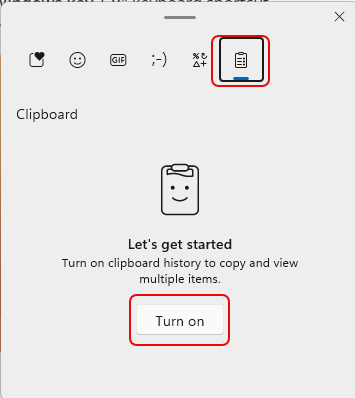
To turn on this feature, press the Windows Logo Key + V. That will open the following pop-up. The first time you do this, click Turn on to activate the feature:
I then went out and did a CTRL-C a few times on text and images. When I pressed Windows Logo Key + V again, I see the history of what I’ve copied to the clipboard!
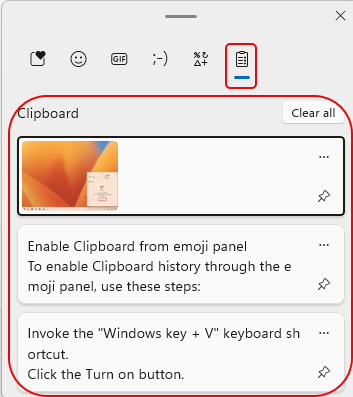
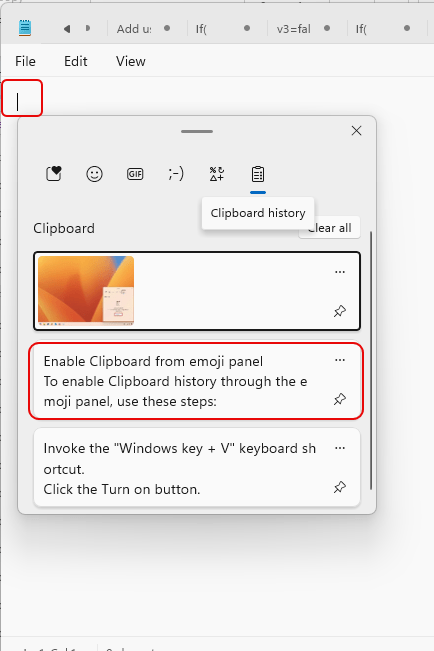
To use the clipboard contents, I went into Notepad, pressed Windows Logo Key – V and selected the second entry in my clipboard history:
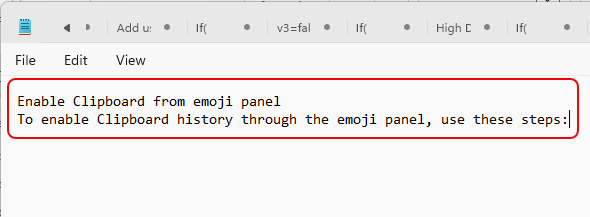
And there is it!
I’m going to quickly fall in love with this feature…
For more information on Clipboard History, check out Access Clipboard History and How to use Clipboard history on Windows 11.

 One Minute Office Magic