Here’s a fun thing you can do with Copilot. If you’re using Outlook on the web, you now have an option to allow Copilot to come up with a theme for Outlook. It may not be quite “ready for prime time”, but it’s kind of fun. Here’s what it is and how it works…
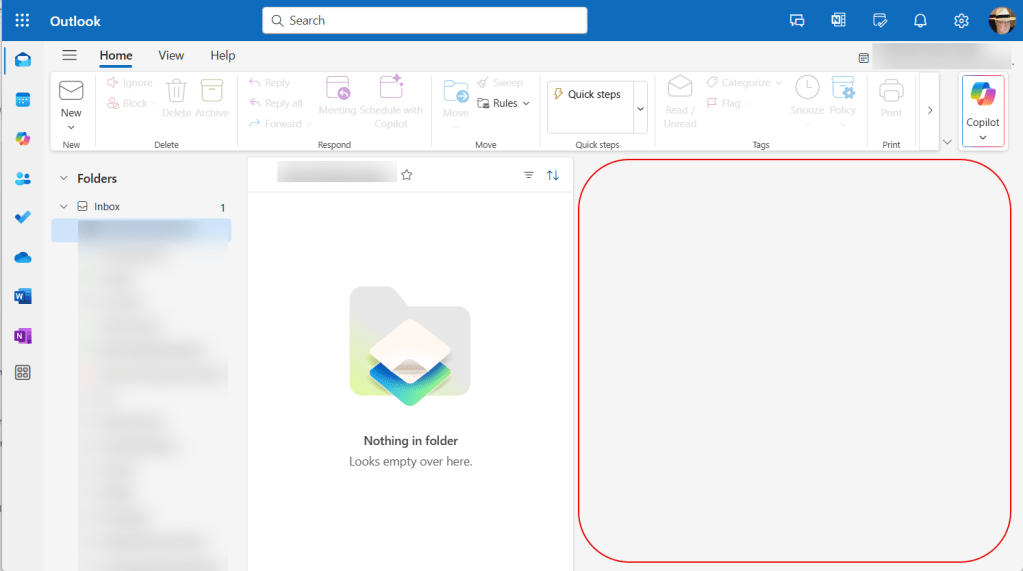
Here was my Outlook theming prior to using the feature… just a basic blue theme:
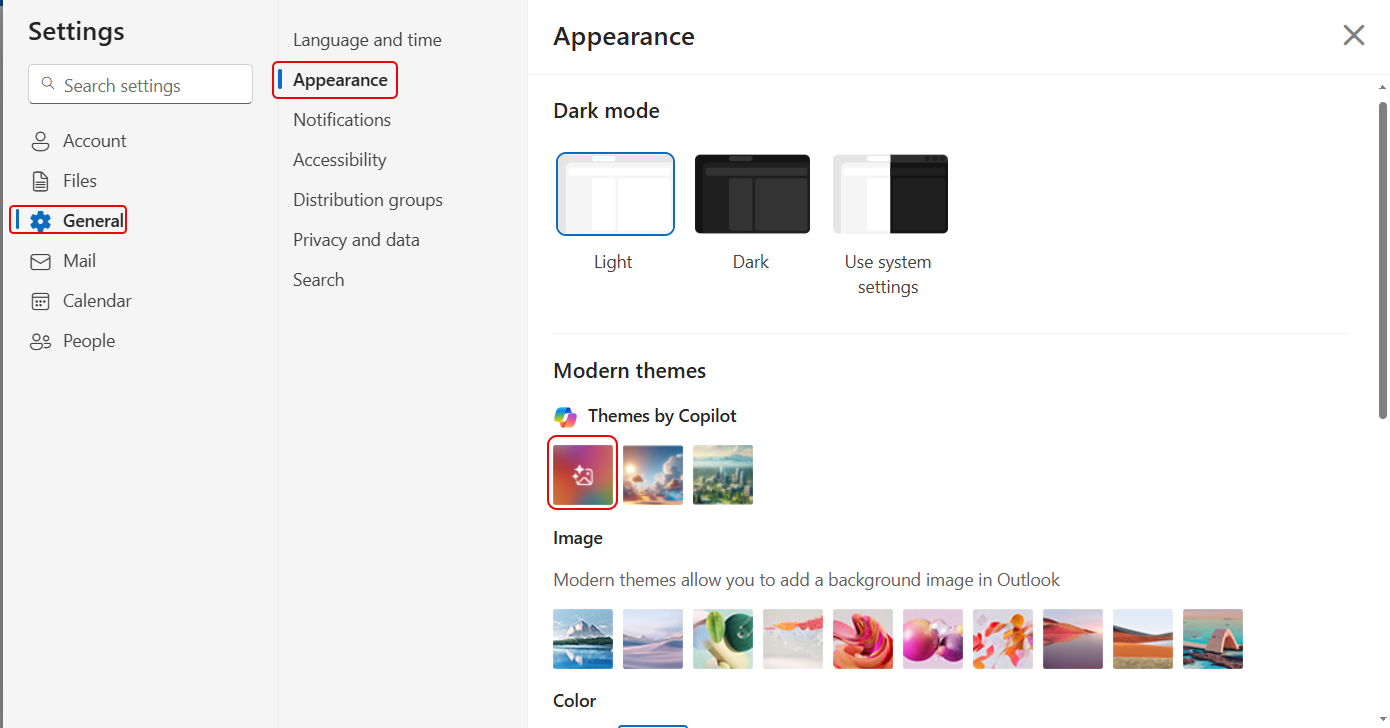
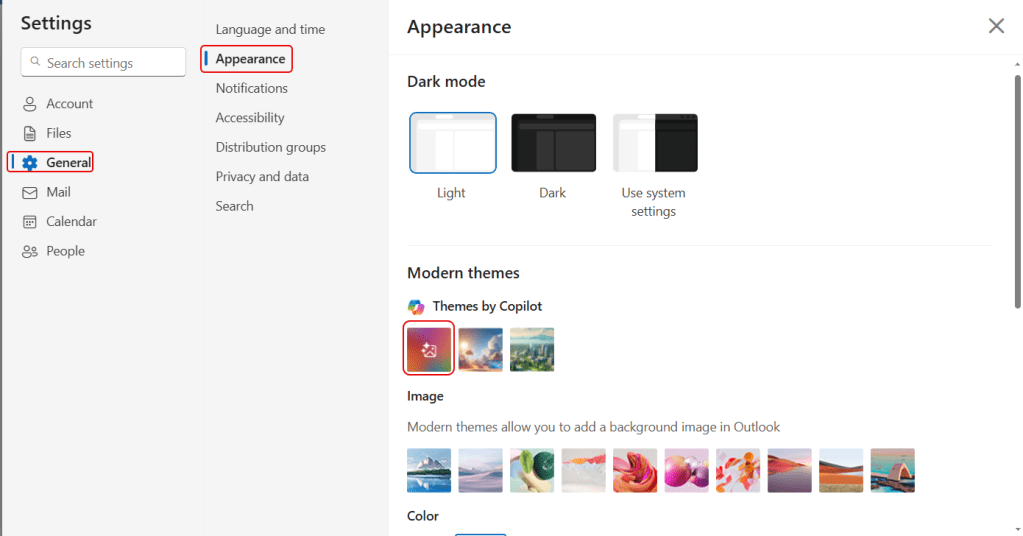
By going out to Settings, I selected General > Appearance. Under Modern themes, I clicked on the first option which allows you to build a Copilot-generated theme:
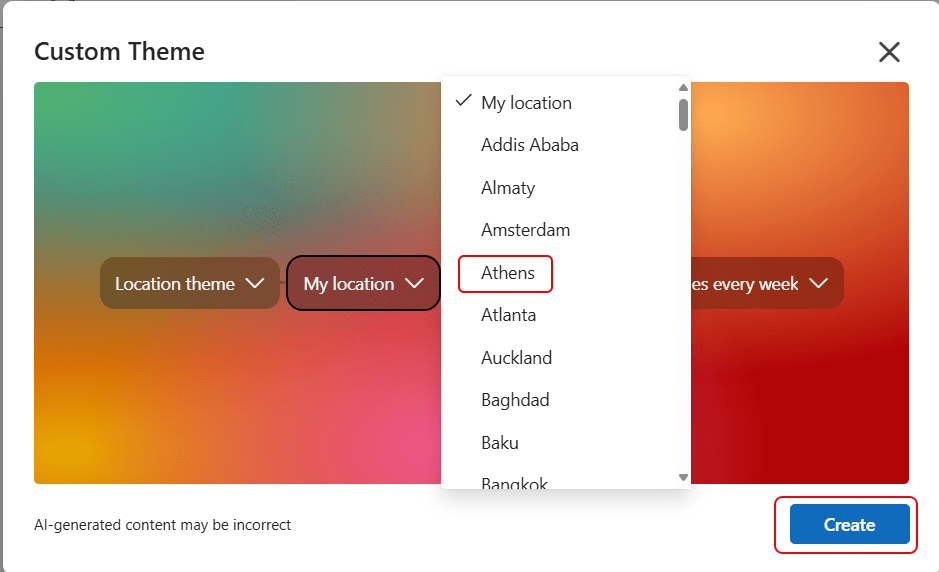
This is what the Custom Theme generator looks like. You can choose Location or Weather, pick a Location from a dropdown list, choose from Realistic style/Oil painting/Cartoon, and how often you want it to refresh:
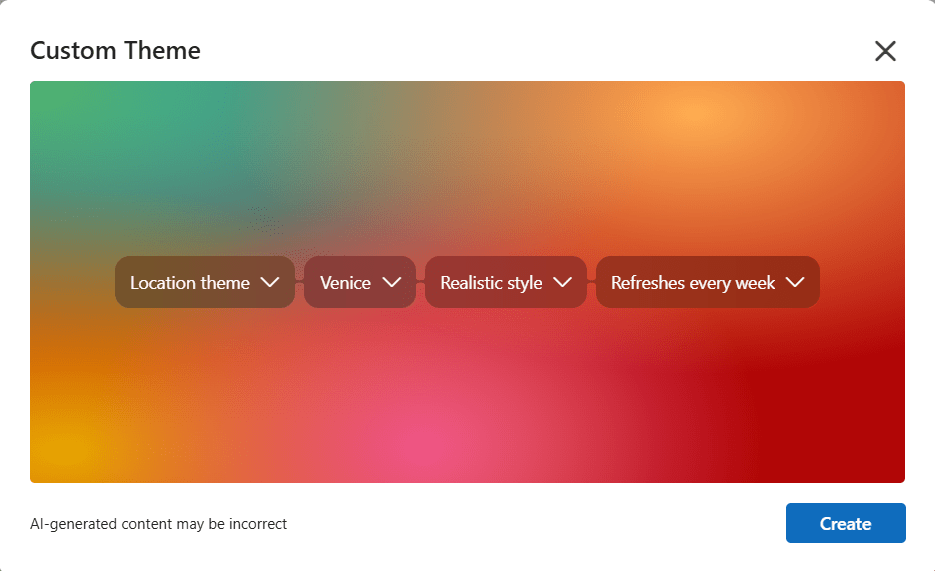
For my example, I picked a Location theme and selected Athens. To start the generation, I clicked Create:
Here’s what I saw while waiting for a result:
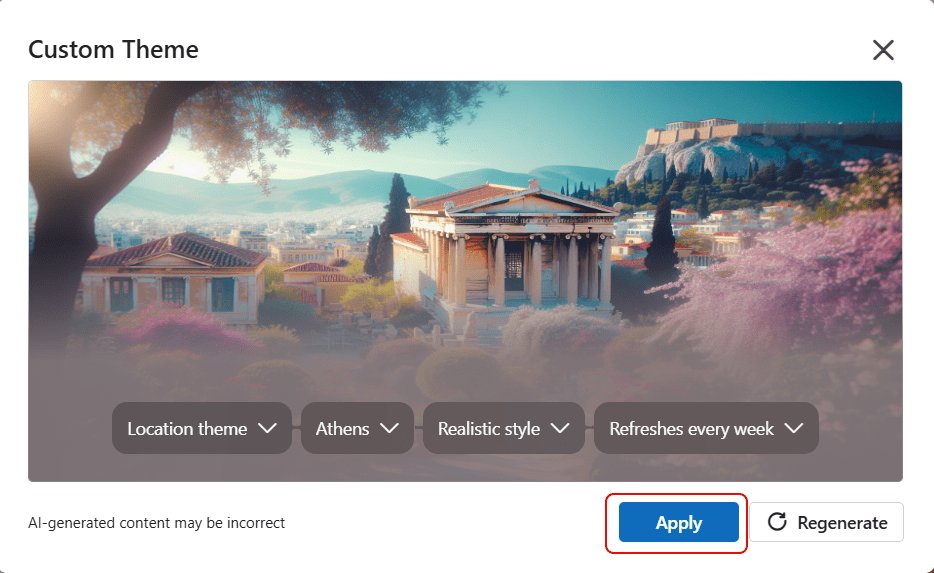
Finally, I got my Athens theme that will be the background for Outlook. I clicked Apply to actually add it to Outlook:
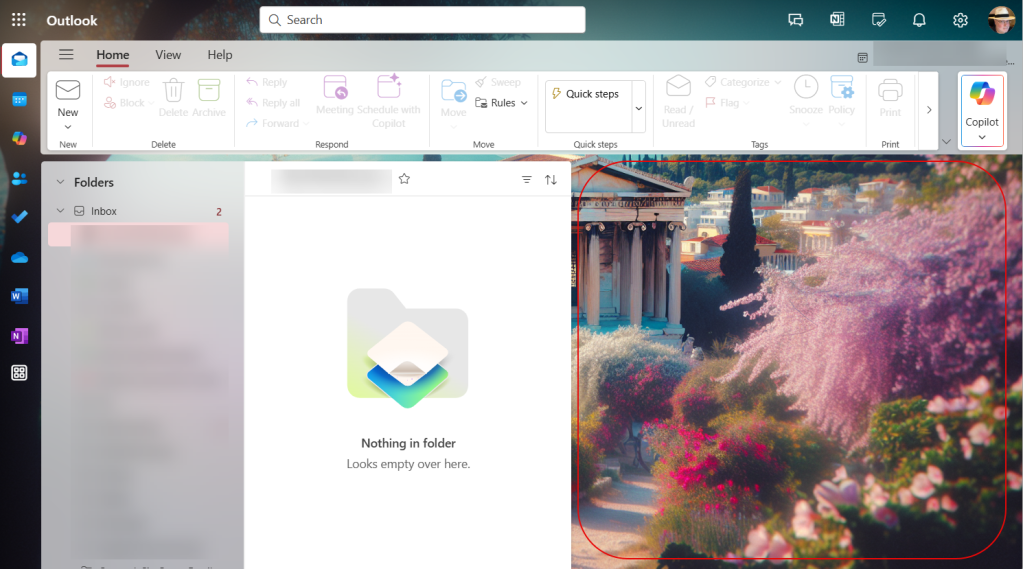
And now I have something a bit more visually interesting than just a blank reading pane:
Now… I did mention it may not quite be “ready for prime time.” When I attempted to select a Weather theme, the generating screen cycled through the “almost done” messages for about three minutes before I stopped it. When I tried to select “My location” for the Location theme, the same thing happened… “almost done” never happened. If I picked one of the provided locations, it worked fine…
Granted, this isn’t a “make or break” use case for Copilot, but it is fun to play around with. Try out some of the options, keeping in mind that some of them may not function.

 One Minute Office Magic