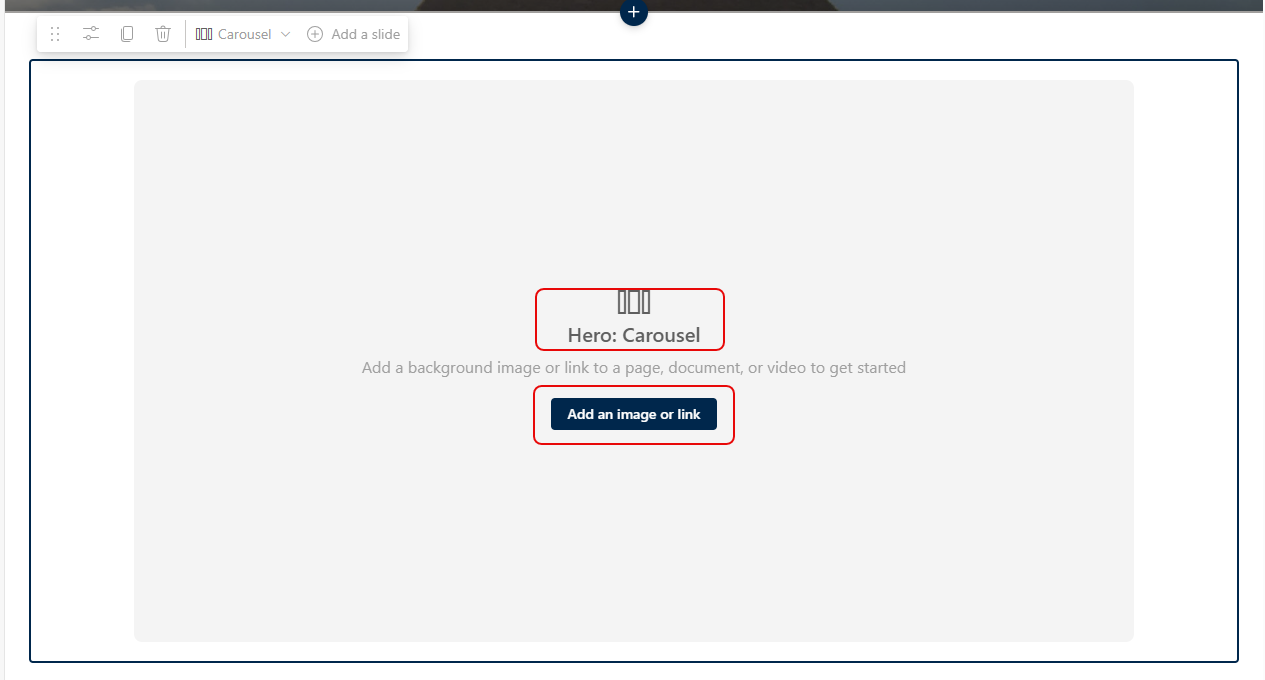
If you’ve been creating SharePoint pages for some time, you’re likely familiar with the Hero web part. It displays up to five tiles at the top of the page, and it allowed you to have the tiles laid out in a grid or layered down the page. Microsoft has added a new Carousel option for the Hero web part layout, and you might find it interesting to check out. Here’s how it works…
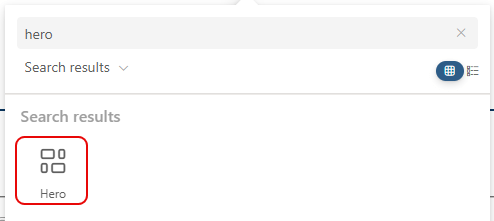
To add a Hero web part to your page, search for Hero and click the icon to add it on your page:
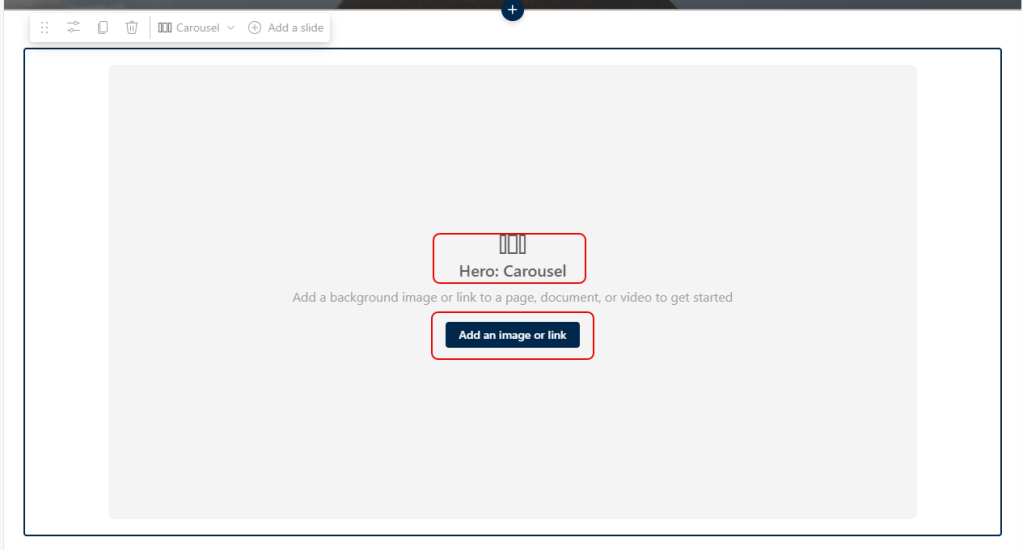
When the Hero web part shows up, it now seems to default to Carousel mode. To start adding content, click on Add an image or link, and select an image:
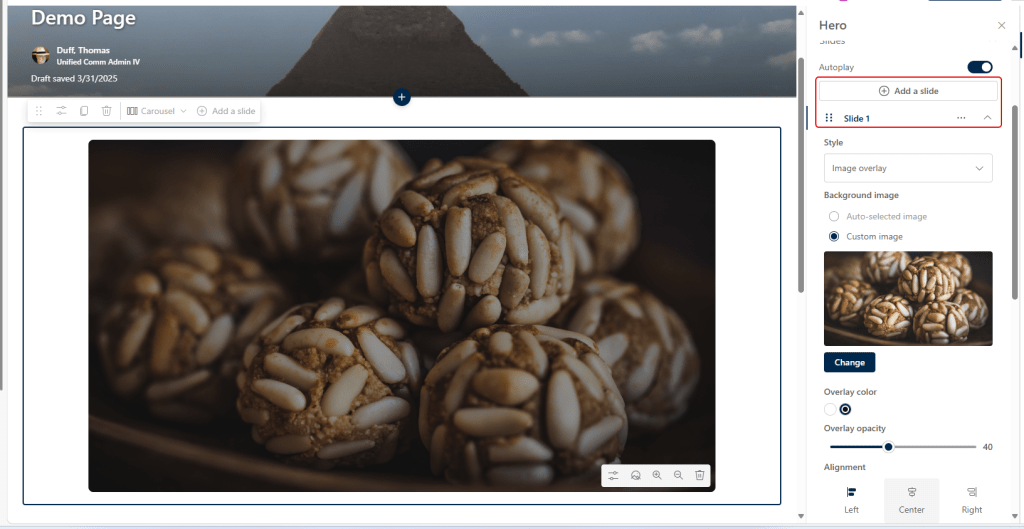
Once you add the image, you use the right-side to configure all the slide settings, such as opacity and alignment:
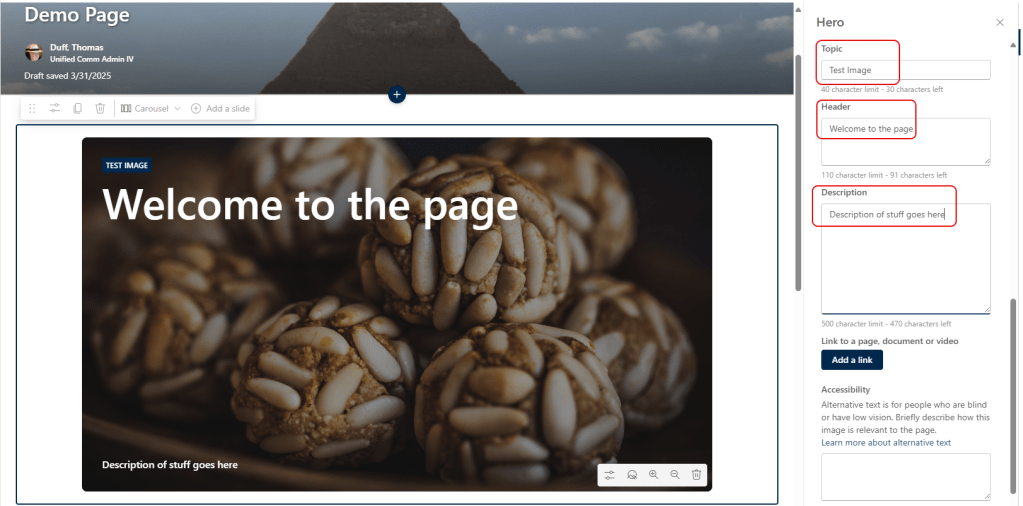
You can also set the topic, header, and description:
Once you have that all done, you can go back up to the top and add four additional slides, each with their own setting. You can also set the slides to either autoplay or be manually advanced:

And here’s the result… the slides advance every three or four seconds and just keeps cycling through. You can also use the controls at the bottom of the slides to advance faster or to stop it.


 One Minute Office Magic