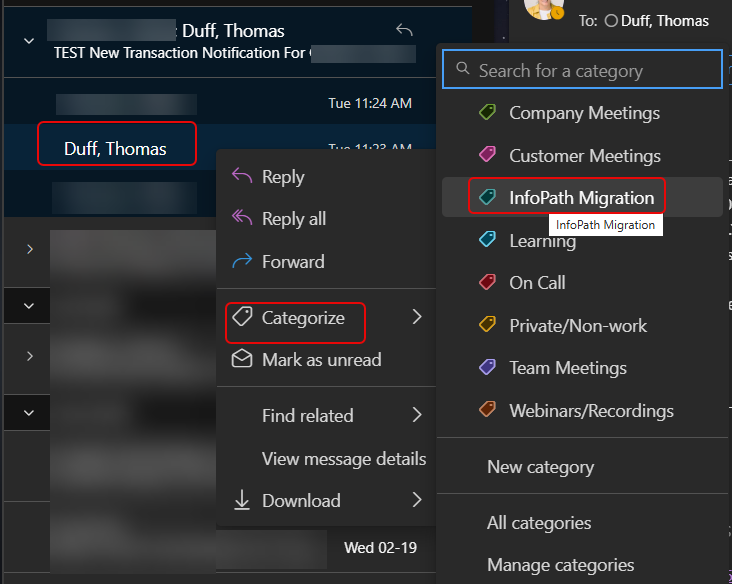
If you’re a categorizer of emails in Outlook, you probably found it frustrating in Outlook on the web in that you couldn’t categorize a single email in a conversation thread. It would categorize everything in the thread. Now, you have the ability to pick and choose exactly what you want to have categorized in the conversation. Here’s how that looks…
In this example, I have three emails in this conversation thread, but I only want to categorize one of them:
To do so, I right-click that email, click Categorize, and select the category that applies to that specific email:
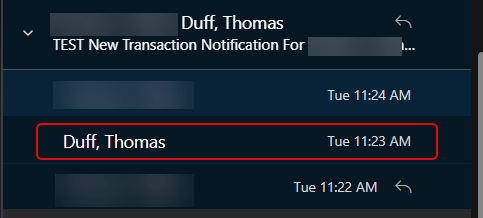
As you can see, that email is now categorized and the others in the thread are not:

Hope you find this helpful when it comes to categorizing your emails!

 One Minute Office Magic