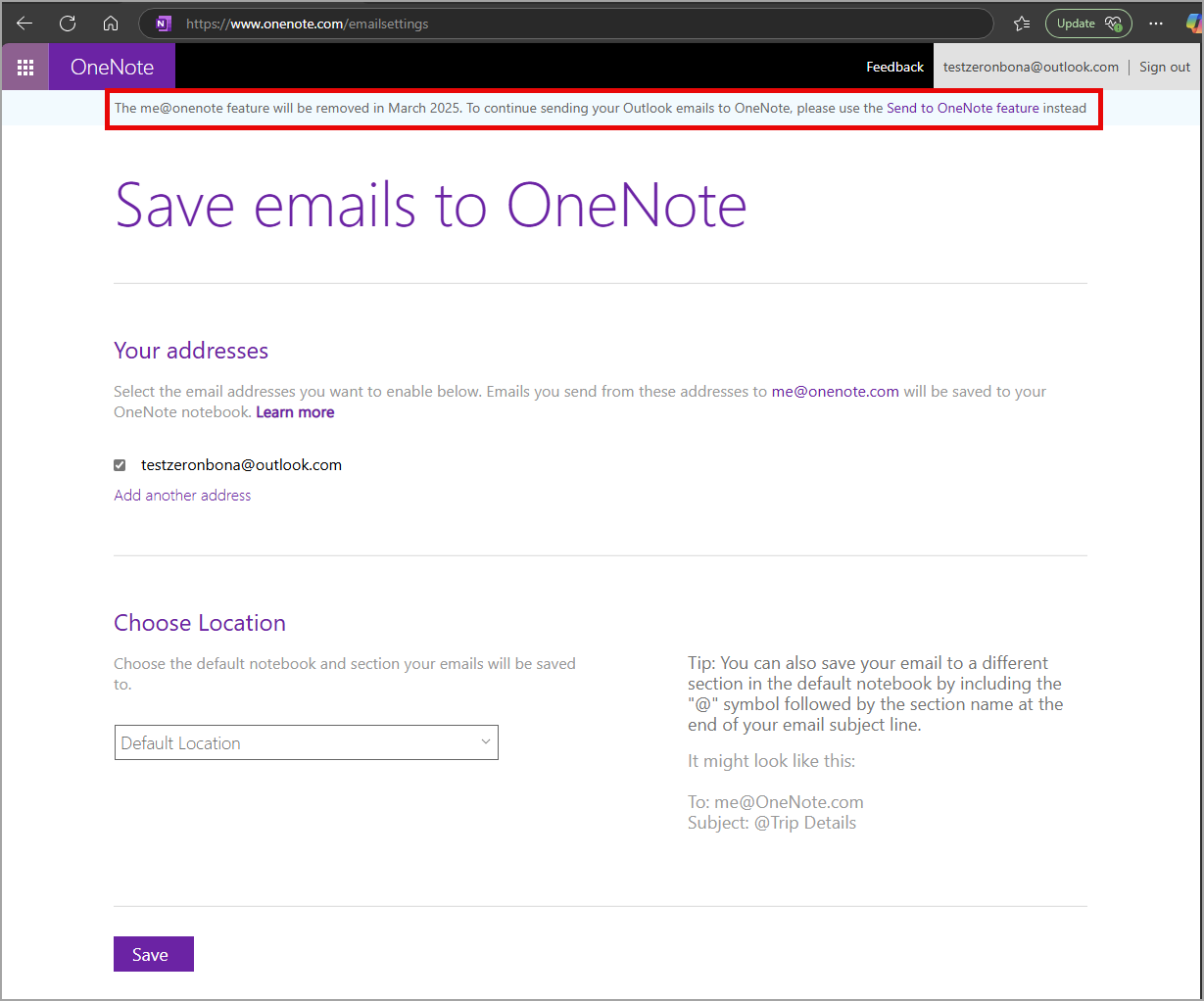
It seems we’ve been seeing a number of announcements for features that Microsoft is retiring. This particular one, “me@onenote” is one that I have to admit I have NEVER heard of, much less used. However, if you are smarter than me and figured this out at some point, you need to know that it’s going away as of March 26th, 2025. Here’s the announcement information from Microsoft…
As part of our Secure Future initiative and our commitment to safeguarding customer data, we are making important updates to the me@onenote feature in Microsoft OneNote on the web.
What is the change?
We will retire the me@onenote feature on March 26, 2025, due to low usage and the availability of an alternative feature, Send to OneNote. After the retirement, users will not be able to send Microsoft Outlook emails to OneNote using the me@onenote feature. Instead, we recommend using the Send to OneNote feature in Outlook, which allows users to send email messages and meeting invitations directly from Outlook to their OneNote notebooks and sections. The Send to OneNote feature ensures a seamless transition and continued functionality.
How will we communicate this change to users?
Users will find this banner on the me@onenote page: The me@onenote feature will be deprecated in March. To continue sending your Outlook emails to OneNote, please use the Send to OneNote feature:

Users who send use the me@onenote feature after Mach 26, 2025 will receive an auto reply about the retirement with a link to the Send to OneNote feature.

 One Minute Office Magic