
When you’re creating a SharePoint page with a moderate amount of text, you may want to have a particular line or two stand out for the reader. You can do this with Pull Quotes. When you’re formatting your text on a page, you can select from four different pull quote styles. Here’s how that works…
In the SharePoint page Text web part, you’ll see a pull quote icon in the text ribbon bar. In my example, I wanted to take the second sentence and have it show up as a pull quote. I highlight that second sentence and click the dropdown arrow next to the pull quote icon. That gives me the list of what type of pull quote to use:

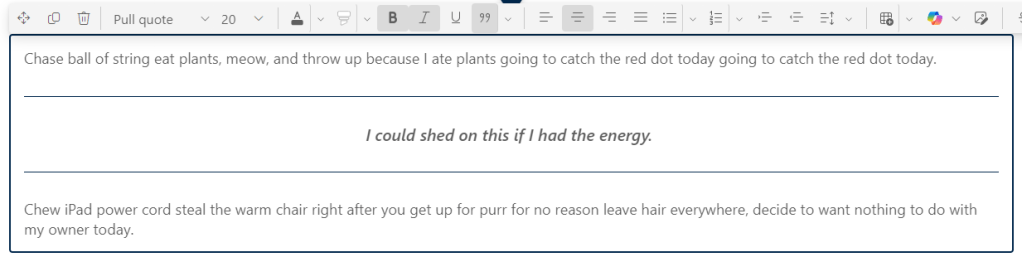
This is an Intense pull quote format:
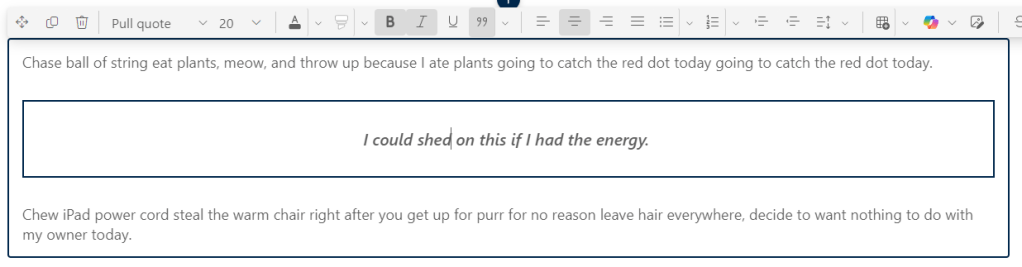
This is a Boxed pull quote format:
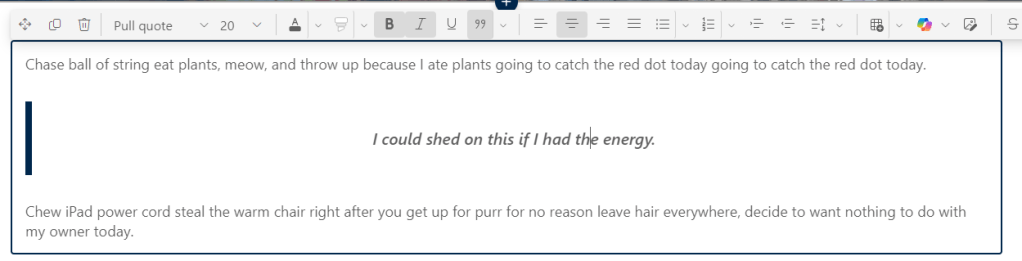
This is the Side Border pull quote format:
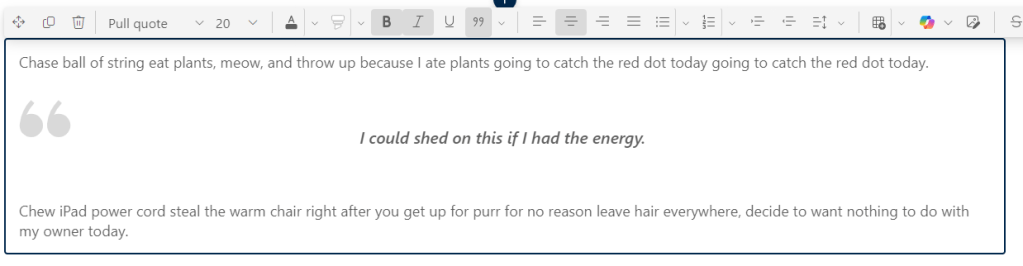
And this is the Quote Icon pull quote format:
Pull quotes are one of those things that you want to use sparingly. It’s designed to focus attention on one particular thought or sentence, and it’ll lose its effectiveness if you use it everywhere…

 One Minute Office Magic