
When you have an image web part on a page, your image is pretty much shaped in some sort of square/rectangle format (unless you do something fancy prior to using it). Now the Image web part gives you the option to apply a shape to the image to make it stand out on the page, Here’s how that works and the different shapes you have available…
While you’re in the Image web part, you can use the Shape option to apply one of six different shapes to your image:

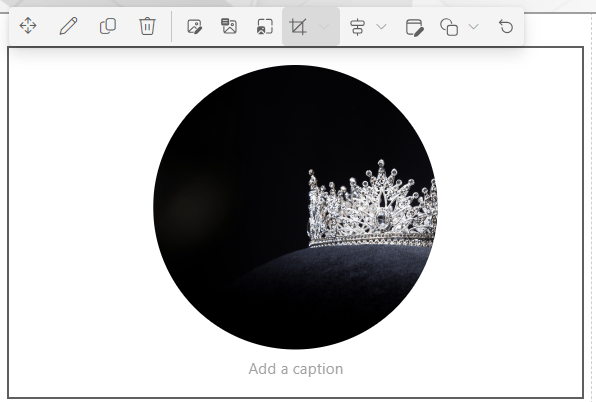
Circle:
Triangle:

Square:

Hexagon:

Pebble:

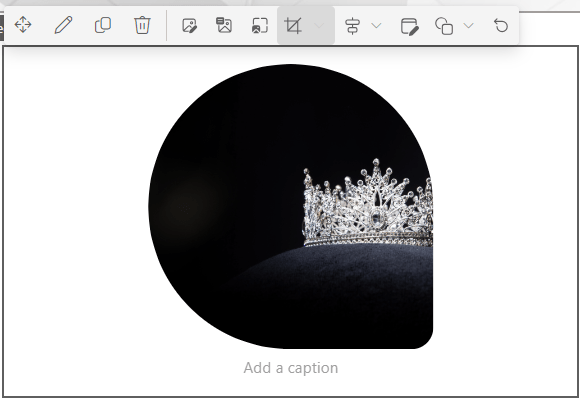
Teardrop:
You probably won’t use this a lot, but it’s handy if you need to make an image on your page stand out.

 One Minute Office Magic