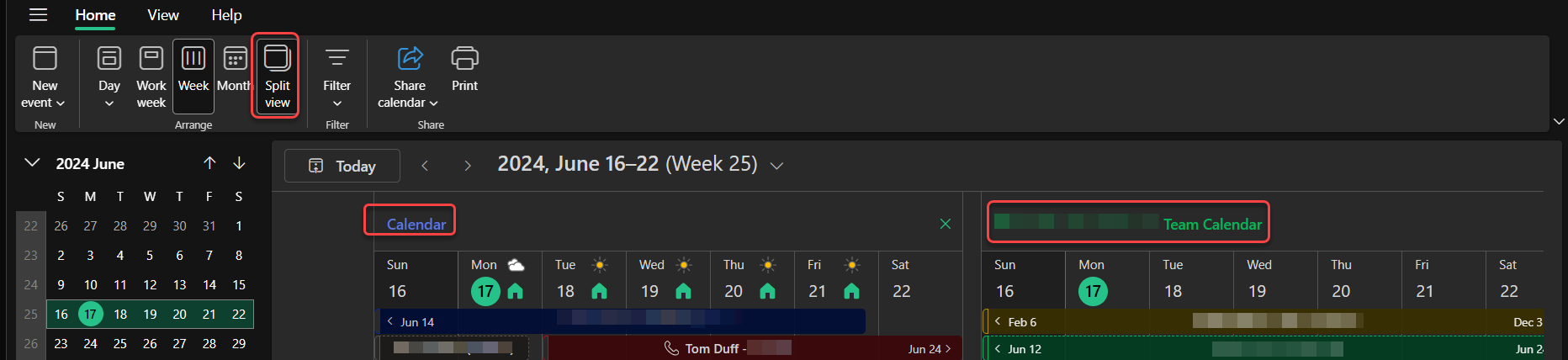
If you have two or more calendars selected in Outlook, it can be hard to tell what entry belongs to what calendar. If you’re using Outlook on the web, you can use the Split View option on your calendar so that each one displays as a separate calendar. Here’s what that looks like…
In this example, I have two calendars selected, and I’m showing the Week layout. Because the calendars are combined, there’s a lot of information that’s being collapsed, and I’m not sure what is and isn’t part of my personal calendar:

However, I can select the Split View option, and now my two selected calendars show as separate calendars on my screen. And if I had more than two selected calendars, it would separate those out also:
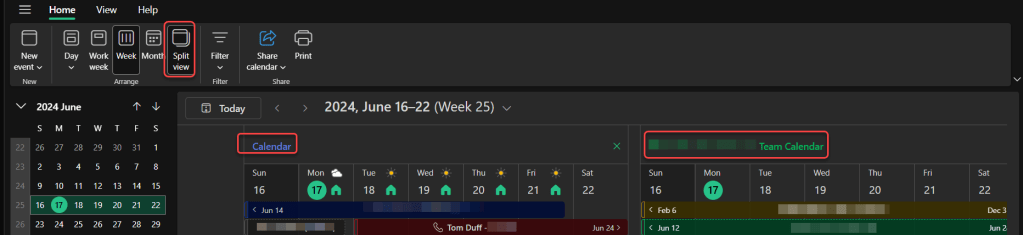
This is a good technique to de-clutter your calendars and only see the information pertinent to each specific calendar.
Right now, Split View doesn’t work for a Month view layout, but that should also be available within the next month as the latest updates roll out.

 One Minute Office Magic