
If you’re like me, you may tend to use your Activity Feed in Teams like a To Do list of items you may need to follow up on. Unfortunately, that feed can get pretty cluttered pretty quickly, and it’d be nice to be able to actually remove items that are done or that aren’t relevant to anything you’re doing. Now you can! Here’s how that works…
In this example, I have a missed call (that I ignored because there was no caller ID on it), and I really don’t care to see it in my Activity Feed as it’s taking up space with no real value to me:
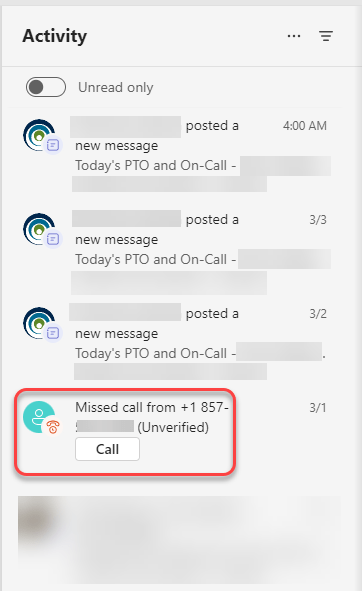
To get rid of that entry, I hover over the item and click on the ellipsis. Selecting the Remove option removes it from your Activity Feed, freeing up more space for things that have real value for you:


 One Minute Office Magic