
This was a thing I don’t think I had ever noticed until Sandra pointed it out to me recently. There’s a way you can add vertical white space in a SharePoint page section without resorting to line feeds in a Text web part. You can use the Spacer web part for a precise level of control. Here’s how it works and looks…
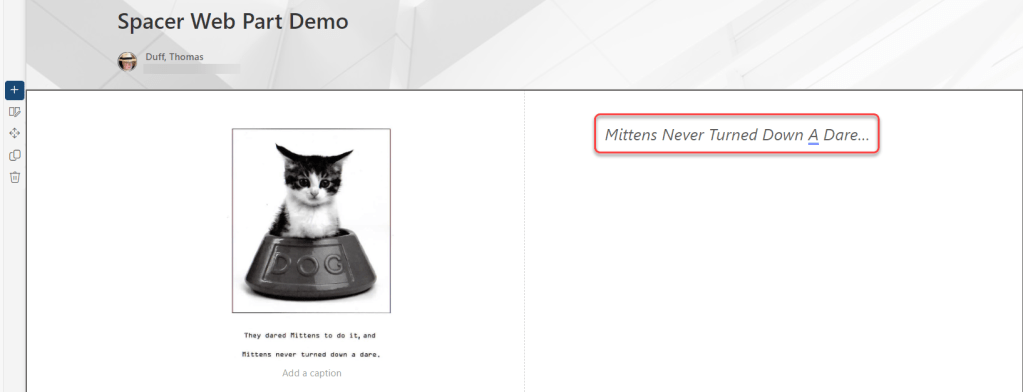
Here’s a two-column section with an image in the first column and some text in the second column. I’d like to have that text vertically centered in relation to the image, but I always used to think I needed to use line feeds to make it look semi-decent:
Instead, I add a Spacer web part above the Text web part that I already had out there:

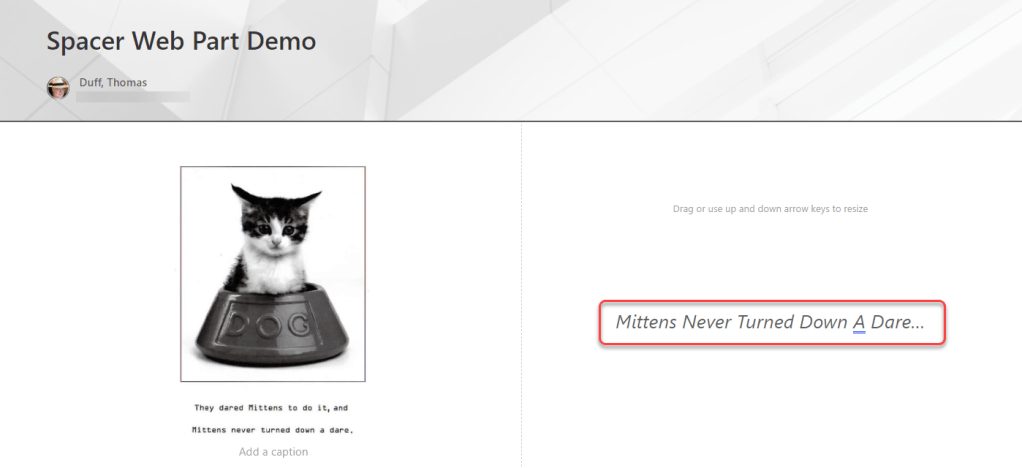
Using the drag control, I can make the Spacer web part be as high or as narrow as needed, effectively pushing the Text web part down the section:

The net effect is that I now have a nicely centered Text web part to the right of the image, and I didn’t have to resort to any font hacks to make that happen:

 One Minute Office Magic