
This has been a long time coming… 🙂 When using the Quick Links web part in a SharePoint Online page, you can now set whether the associated link should open in a new tab! Here’s how that works…
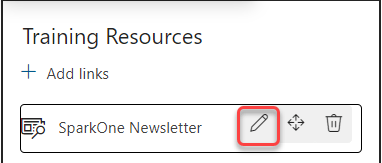
In your Quick Links web part, use the Pencil icon to edit one of the Quick Links:
Now inside the configuration panel, you have the option to Open link in a new tab:
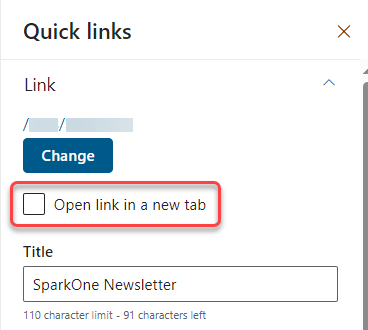
I know this has been a frustration for people using the Quick Links web part if they don’t want to have the link overlay the page that they’re on. This new setting will allow you to avoid that going forward.

 One Minute Office Magic
1 Comment