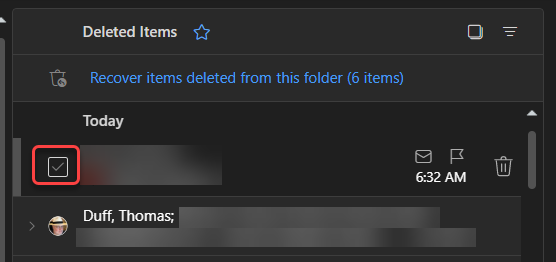
It used to be that in Outlook on the web, you’d see round circles that you could select to perform actions on an email item, such as deleting one or more emails. Microsoft has made a bit of a change in how that now displays and what you need to do to get the circles to appear. Here’s how it works now…
As shown here, there are no circles along with the icon circles. It looks as if you can no longer select multiple items in the folder:
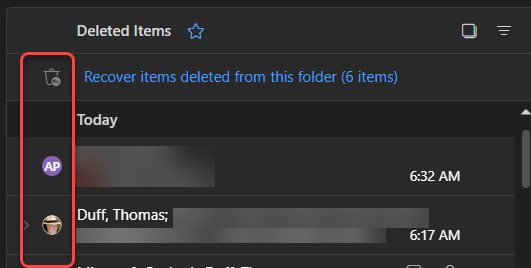
However, you can click on the icon circle, and it changes to a checkbox field:
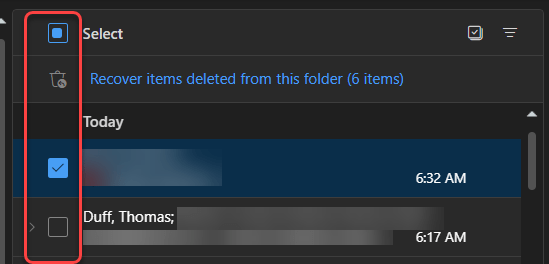
It also changes all the other icon circles to checkboxes, as well as adding the Select checkbox at the top of folder for if you want to select everything:
This isn’t a major change, but it may be a bit confusing the first time you run across it…

 One Minute Office Magic