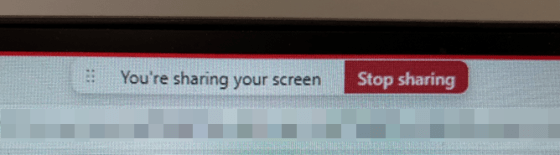
Ever since the advent of New Teams, there’s been complaints about the Screen Sharing Bar and where it appears when you’re sharing your screen in Microsoft Teams. You’d go to click on part of your screen that occupied the same area as the bar, and the bar would appear. There was not an easy way to reposition the bar so you could access whatever occupied the same space. Now you can move that bar around, and it’s SO much easier to work with. Here’s how that works… and please forgive the quality of the screen “captures”… my screen capture tool wouldn’t capture the bar, so I had to use my cell phone… 🙂

 One Minute Office Magic