Here’s a new one I just learned about today… When entering data into an Excel table, I was used to just adding data to the cell, tabbing to the next cell, and repeating until I was done. If the table required horizontal scrolling, it could get a bit cumbersome. But then I learned you can use the built-in Data Entry Form in Excel to enter that data. Here’s how that works…
Here I have my table and what it would look like if I were entering the data directly into the rows:

Instead, I created my table, put my cursor in the first empty cell of the table, and used the keyboard shortcut of ALT + D + O. Up pops the data entry form for the table:

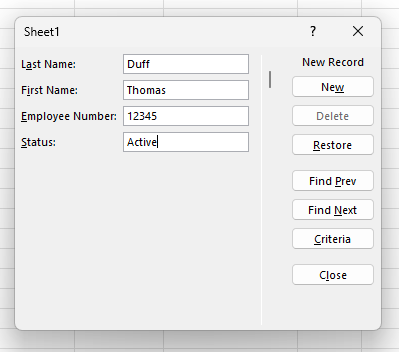
Now I can enter the data in a form format, and press Enter when I fill in the last field:
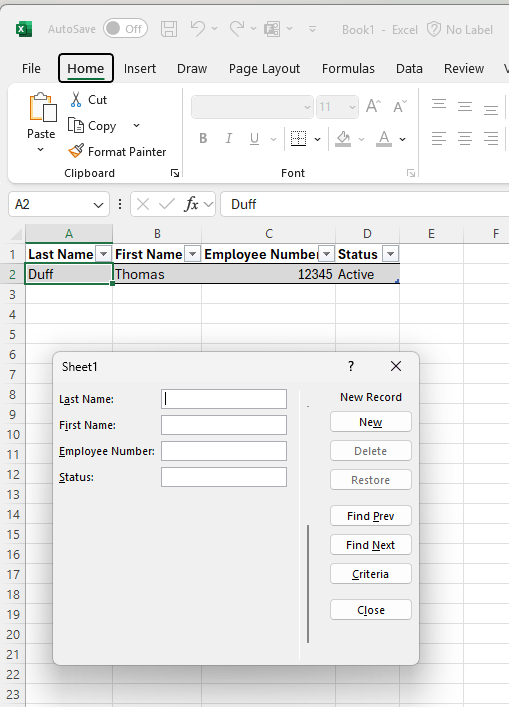
The row in the table is filled in with the form data, and I’m ready to enter the next row of data:
Give this approach a try next time you’re finding the data entry process in an Excel table to be a bit cumbersome…

 One Minute Office Magic