If you have a PDF file stored in OneDrive or SharePoint, you can now easily annotate the pages with text boxes without having to use a 3rd party application. Here’s how that works…
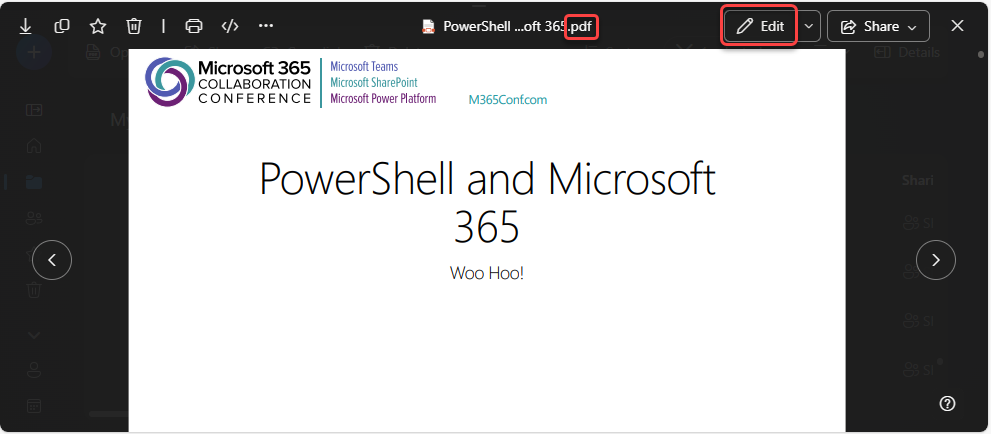
Here’s a PDF file I have stored in OneDrive. I opened the file up in the browser, and I clicked on Edit:
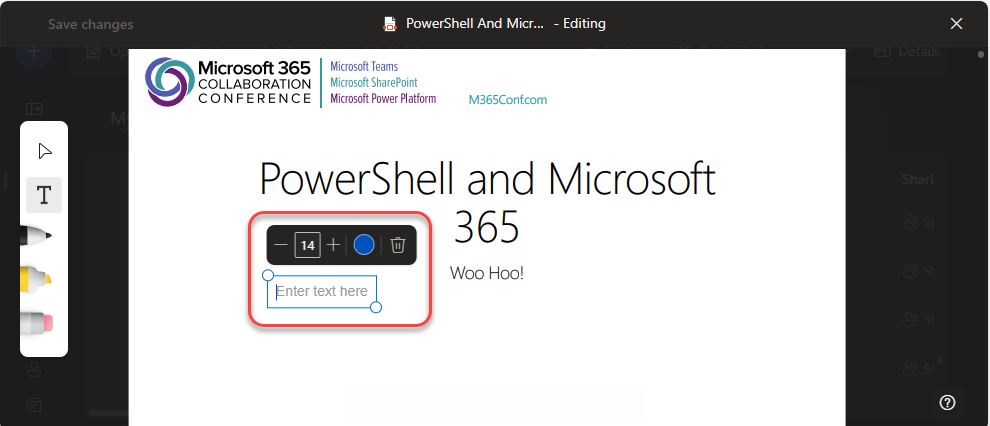
A toolbar shows up on the left side the screen, and the T icon will add a text box to the page:

The text box shows up with an outline for the actual text box control, as well as a toolbar to allow you to control the font size and color (or even delete the text box):
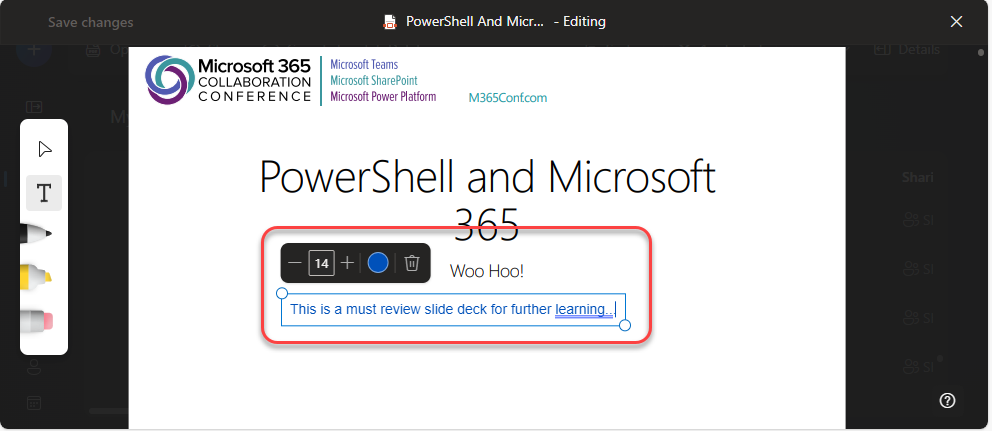
Here’s what the text box looks like as I’m typing the content that I want to add to the page:
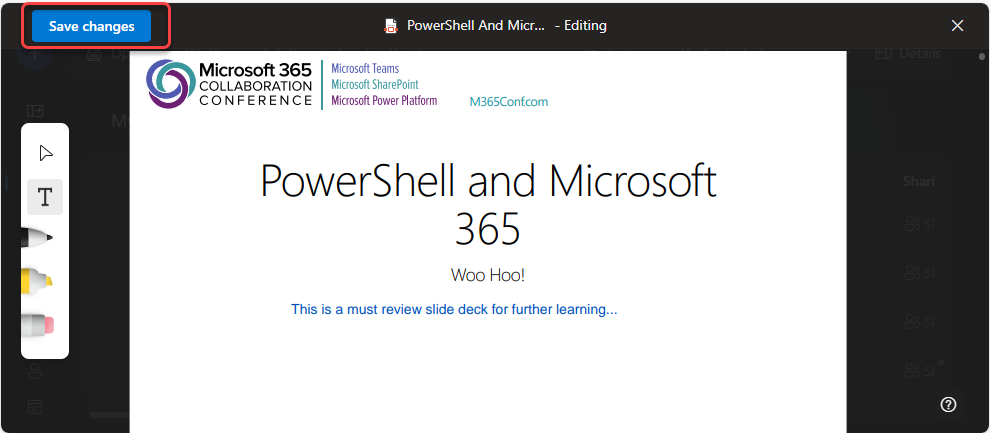
Once I’m done typing and click outside of the text box, I can see what the annotation will look like. I can then click Save changes in the upper left corner, and my file is saved with the annotation:

 One Minute Office Magic