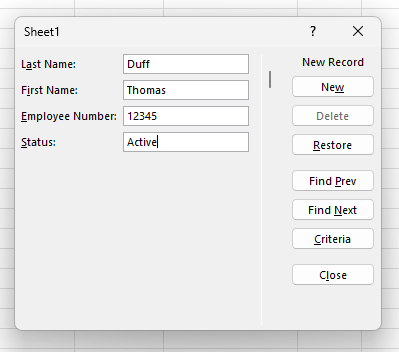
Here’s a new one I just learned about today… When entering data into an Excel table, I was used to just adding data to the cell, tabbing to the next cell, and repeating until I was done. If the table required horizontal scrolling, it could get a bit cumbersome. But then I learned you can use the built-in Data Entry Form in Excel to enter that data. Here’s how that works…
Tag: Microsoft Excel
Line breaks within a cell in Microsoft Excel
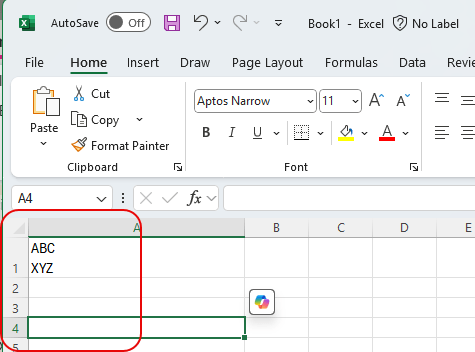
Not being an Excel guru (or maybe even a novice!), I have run into issues before where I have data in a cell and I want to have a line break within the cell to continue typing. However, when I hit Enter, it goes to the next cell. I finally learned how to keep that line break in the same cell, and I’ll share it with you now… and also help myself to reinforce that skill. 🙂 Here’s how it works…
Combining Excel columns with the ToCol function
Tamara (my wife) called me into her office yesterday to share this tip she just learned, and it’s pretty cool. Have you ever had multiple columns in Excel that you wanted to combine into a single column without copying and pasting? You can do that with the ToCol (To Column) function. Here’s how that works…